Comparison14 min read
Best DESIGN.md Files for Websites (Free and Paid, 2026)
Where to get good DESIGN.md files for Claude Code, Codex and Cursor: 8 free and paid sources, what a good file covers, and how to use one.
AI coding agents can build a whole website from one prompt. But if you don't tell them how it should look, they guess. That's why so many AI-built sites look the same: the same purple gradient, the same rounded cards, the same fade-in on everything.
A DESIGN.md file fixes that. It's one Markdown file that tells Claude Code, Codex or Cursor your colors, fonts, spacing, components and motion. The agent reads it and builds in that style.
You don't have to write one from scratch. In this post, I list the 8 best places to get a DESIGN.md file for a website in 2026, free and paid. I make website templates at Velox Themes and write a DESIGN.md for every one, so I also show you what a good file has, and what most files leave out.
The short answer
- For a client website: start from a file made for a real, finished website, with sections and motion. Velox Themes has two free ones (Arjuna and Kurawa) and 13 more on paid plans.
- For files written from real websites, with page structure and motion notes: Refero's Styles, on its paid Pro plan.
- To learn or for a side project: the free brand-inspired files from awesome-design-md, shadcn.io or Designs.md. Don't ship a client site that copies another company's look.
- If you already have a design system: make your own DESIGN.md from your code with Google's free extract skill, or build one in Tailkits' free studio.
| Source | What you get | Price |
|---|---|---|
| Velox Themes Design.md | 15 files for full website templates, with sections and motion | 2 free, 13 paid |
| Refero Styles | DESIGN.md guides written from real websites, plus an MCP server | A few free, most on Pro |
| awesome-design-md and getdesign.md | 84 brand-inspired files on GitHub, 550+ on the site | Free (custom files are paid) |
| shadcn.io/design | 500 brand-inspired files in 29 categories | Free |
| Designs.md | 490 files, with a CLI and an MCP server | Free |
| Ant Design | An official DESIGN.md from the design system's own team | Free |
| Google's extract skill | Makes a DESIGN.md from your own code | Free |
| Tailkits DESIGN.md Studio | Build your own file in the browser | Free |
Counts and prices were checked on each site on 20 November 2026 (Refero on 23 November).
What is a DESIGN.md file?
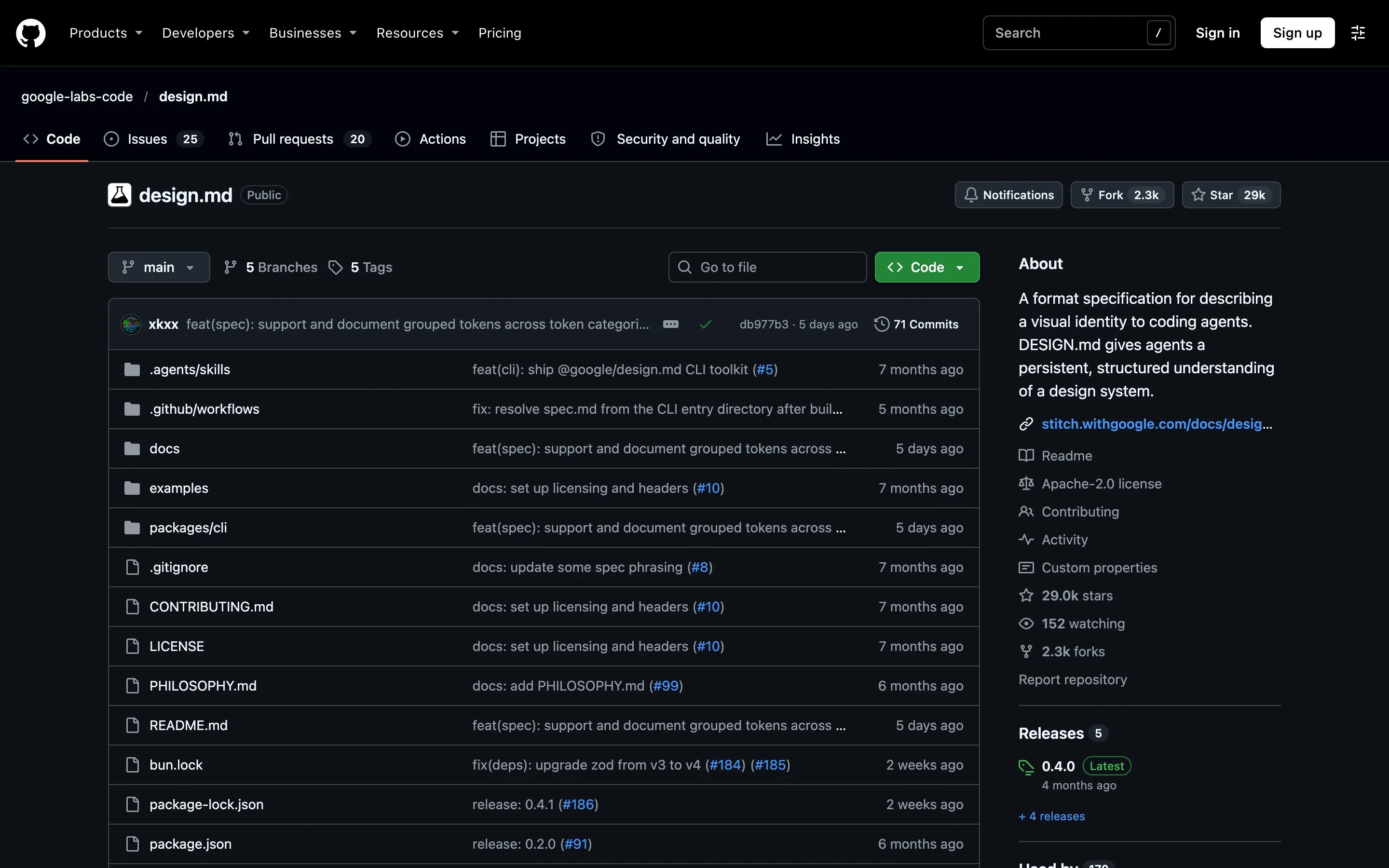
Google's DESIGN.md spec on GitHub
DESIGN.md is a plain Markdown file that describes a design system for AI agents. Google made the format for its Stitch design tool and opened it up in April 2026. The spec is on GitHub under the Apache 2.0 license, and it's still marked alpha.
A file has two parts. Design tokens (the exact colors, font sizes, corner radius and spacing) sit in a small YAML block. Plain text under it explains how and why to use them. The spec lists these sections, in this order:
- Overview
- Colors
- Typography
- Layout
- Elevation and depth
- Shapes
- Motion and micro-interaction
- Voice and content strategy
- Components
- Do's and don'ts
Motion and voice were only added on 17 November 2026. So most files you'll find online were written before there was a place for motion, and many guides still say the format has none.
Google also ships a free command line tool, npx @google/design.md lint, that checks a file's structure, broken references and color contrast.
What makes a good DESIGN.md for a website?
Colors and fonts are the easy part. An agent can get those right and still build a page that feels off. Before you use a file, check that it covers these:
- Exact tokens. Real hex values, font names, sizes and radius in pixels, not "a soft blue" or "rounded corners".
- A type scale. Sizes and line heights for each heading level on desktop and phone.
- Layout and breakpoints. Content width, page padding and what changes on tablet and phone.
- Page structure. Which sections a page has, in what order, and how each one is built. Without this, the agent falls back to the same hero, three cards and a CTA.
- Motion with numbers. How things move in, how buttons react on hover, and the timing. "Subtle animations" gives you the default fade-in.
- Do's and don'ts. Short rules the agent can check its work against.
I opened three popular free files to see what they cover: Stripe's file from awesome-design-md, Stripe's file from shadcn.io and Ant Design's official file. All three are well made and cover colors, type, layout, shapes, components and do's and don'ts. None of them has a motion section, and none describes how a full page is put together. Of the sources in this list, only Refero's files and mine cover both. That's fine for an app, where a design system is mostly buttons and forms. For a marketing website, motion and page structure are a big part of the feel.
How I picked them
I kept a source only if its files are real DESIGN.md files you can download today, in the open format, ready for Claude Code, Codex or Cursor. I read the files themselves, not just the landing page, and checked every count and price on the source's own site on 20 November 2026. I left out tools I could only find in search results.
One note on the screenshots: I took them myself, and closed or cropped out cookie banners and sale pop-ups. Prices are the normal prices, not sale prices.
1. Velox Themes Design.md: files for full websites
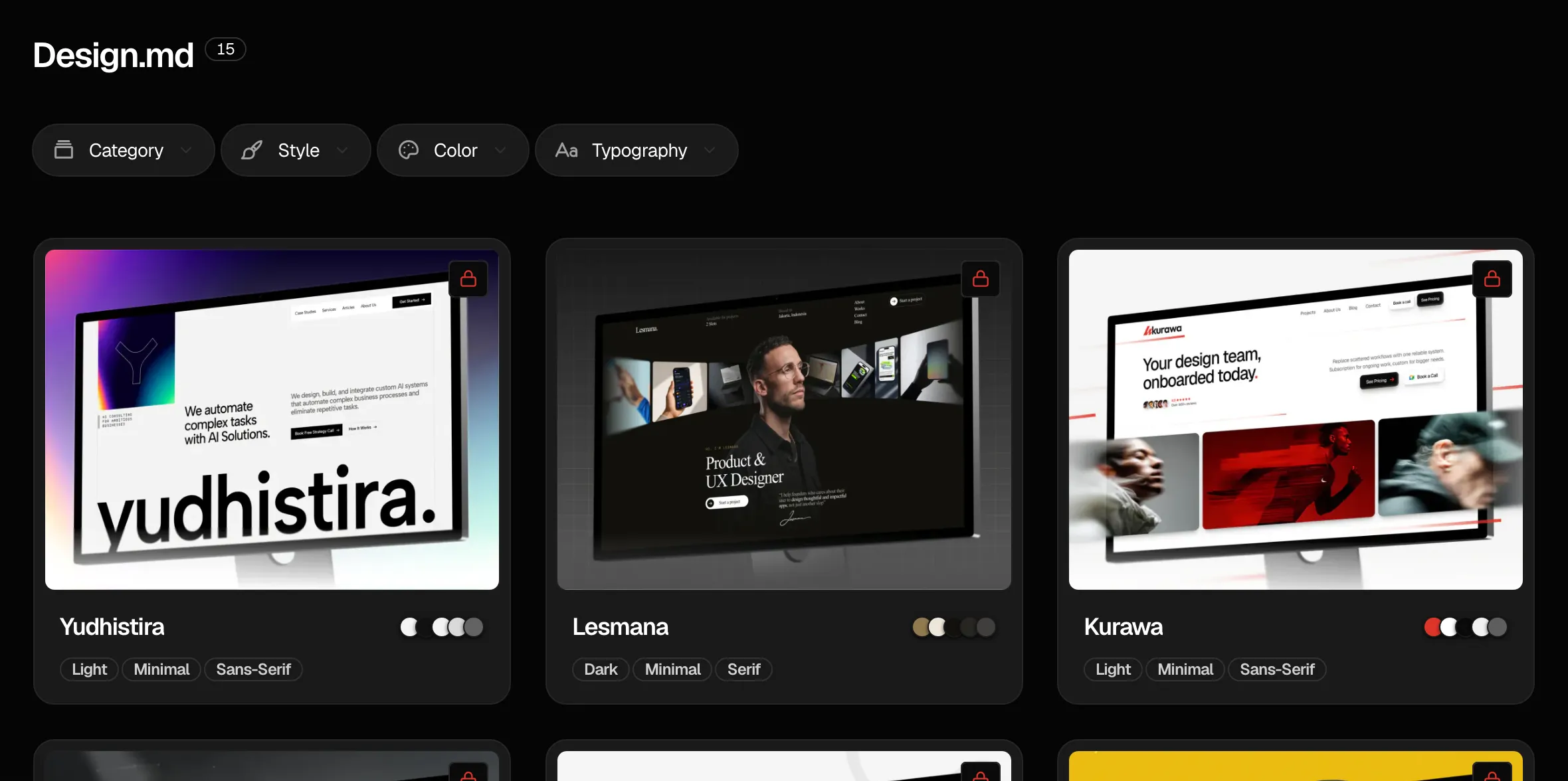
The Velox Themes Design.md library
Best for: client websites, agency sites, portfolios and SaaS pages. Price: Arjuna and Kurawa are free with a free account. The other 13 come with Pro, Max and Lifetime.
I make a DESIGN.md for every Velox Themes template, and each one describes a finished website, not just a color palette. Each file is 16,000 to 30,000 characters and covers:
- Design principles and the exact tokens: colors, radius for each kind of element, page width and section padding.
- A type scale for desktop, tablet and phone.
- The page structure: which sections the homepage has, in order, and how each one is laid out.
- A motion ledger: every animation in the template with its trigger, timing and spring values. For example, Kurawa's headlines come in word by word, 20px from the left, on a 0.6 second spring.
- Interaction and accessibility rules, and a checklist the agent can use to check its own work.
Here are all 15, so you can pick the one that fits your project:
| Template | Good for | Look | Access |
|---|---|---|---|
| Arjuna | Designer and freelancer portfolios | Light, minimal, Geist | Free |
| Kurawa | Design agencies and studios | Light, black type with a red accent | Free |
| Lesmana | UI, UX and product designer portfolios | Dark, editorial serif | Paid |
| Nakula | Bold design studios | Dark, big statement type | Paid |
| Rama | Creative agencies | Dark, bold and type-led | Paid |
| Mandala | Digital marketing agencies | Light, serif with yellow accents | Paid |
| Shinta | Social media and content agencies | Light, Open Sauce One | Paid |
| Bima | AI and automation agencies | Dark with a violet accent | Paid |
| Sanjaya | AI automation and consulting agencies | Dark, Geist and Geist Mono | Paid |
| Sadewa | AI agencies and dev shops | Light with a lime accent | Paid |
| Yudhistira | AI consultancies | Light, quiet and business-like | Paid |
| Kresna | B2B SaaS and AI tools | Light and clean | Paid |
| Pandawa | AI startups and developer tools | Dark, ASCII style | Paid |
| Batavia | Fashion shops | Light, elegant serif | Paid |
| Blockhaus | Streetwear shops | Light, big condensed type | Paid |
Each file sits on its own page in the library, where you can read it and copy it. If you use the Velox Themes MCP server, your agent can pull the file in by itself, along with the matching sections, so the page it builds uses real designed sections instead of guessing them.
The catch: a Velox file describes one template's style. It's not a brand-new style made for your client. Use it as the starting point, then change the colors, fonts and copy to match the brand.
Get the free Kurawa Design.md · Get the free Arjuna Design.md
2. Refero Styles: DESIGN.md files written from real websites
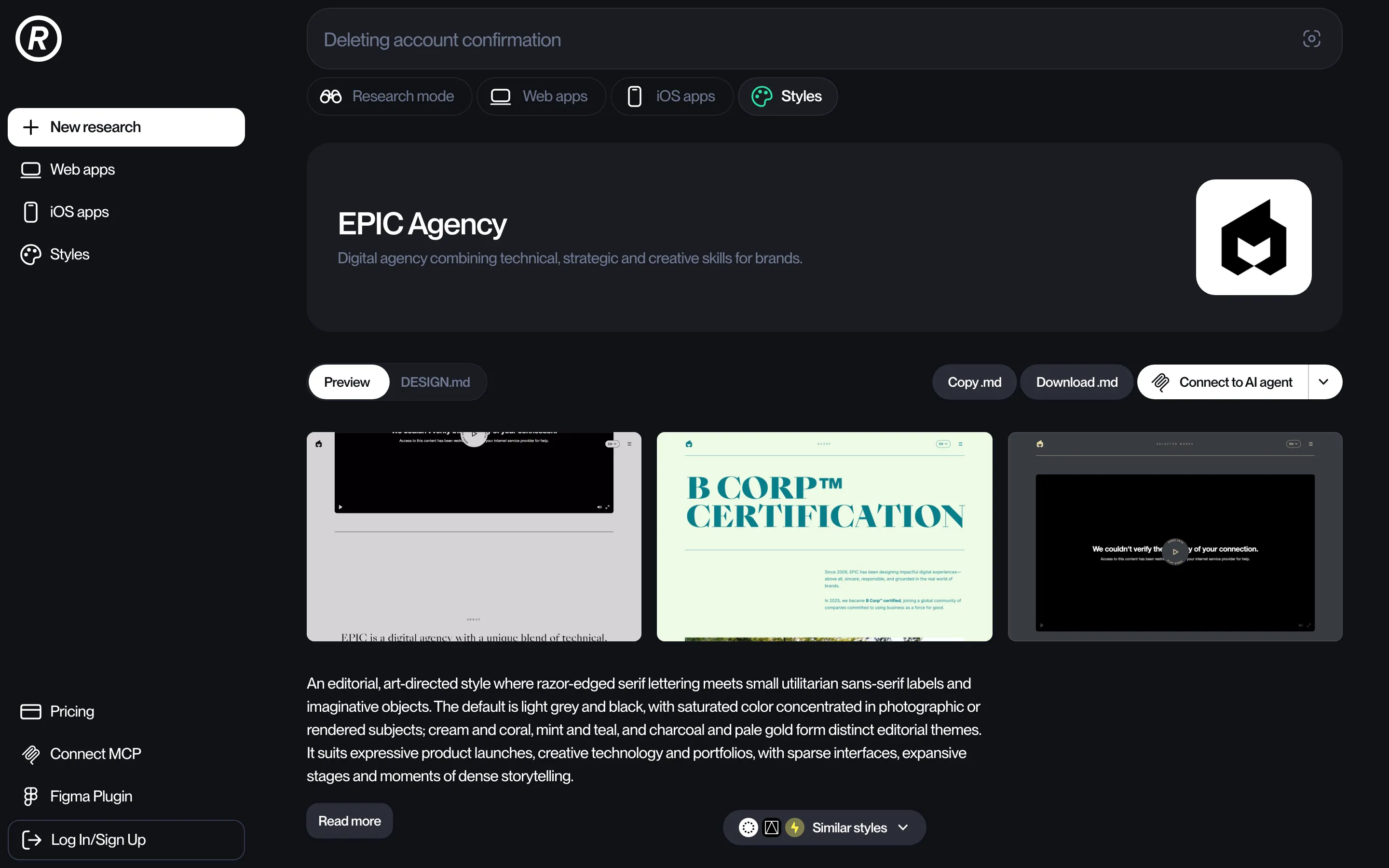
A Refero style page, with copy, download and MCP options
Best for: designers who want a real site's style, explained in depth, plus a big library of screens. Price: the free plan shows about 3% of the library. Pro is $10 a month, billed yearly.
Refero is best known as a library of real product screens: more than 145,000 screens and 12,000 user flows from web and iOS apps. Its Styles section adds DESIGN.md guides written from real websites. Each one has a preview, and you can copy it, download it or connect it to your agent through the Refero MCP server.
These were the most detailed files I found from anyone else. The one I opened, for EPIC Agency, goes past colors and type. It has section recipes, page flows for different kinds of pages, and a motion section. The motion section is honest about its limits: it lists what it saw on the site, and what it couldn't measure, like the exact scroll timing.
The catch: most styles are locked behind Pro. They're also written from other companies' websites, so the same advice applies as with the brand files below. Learn from them, but give a client site its own look.
3. awesome-design-md and getdesign.md: the biggest free collection
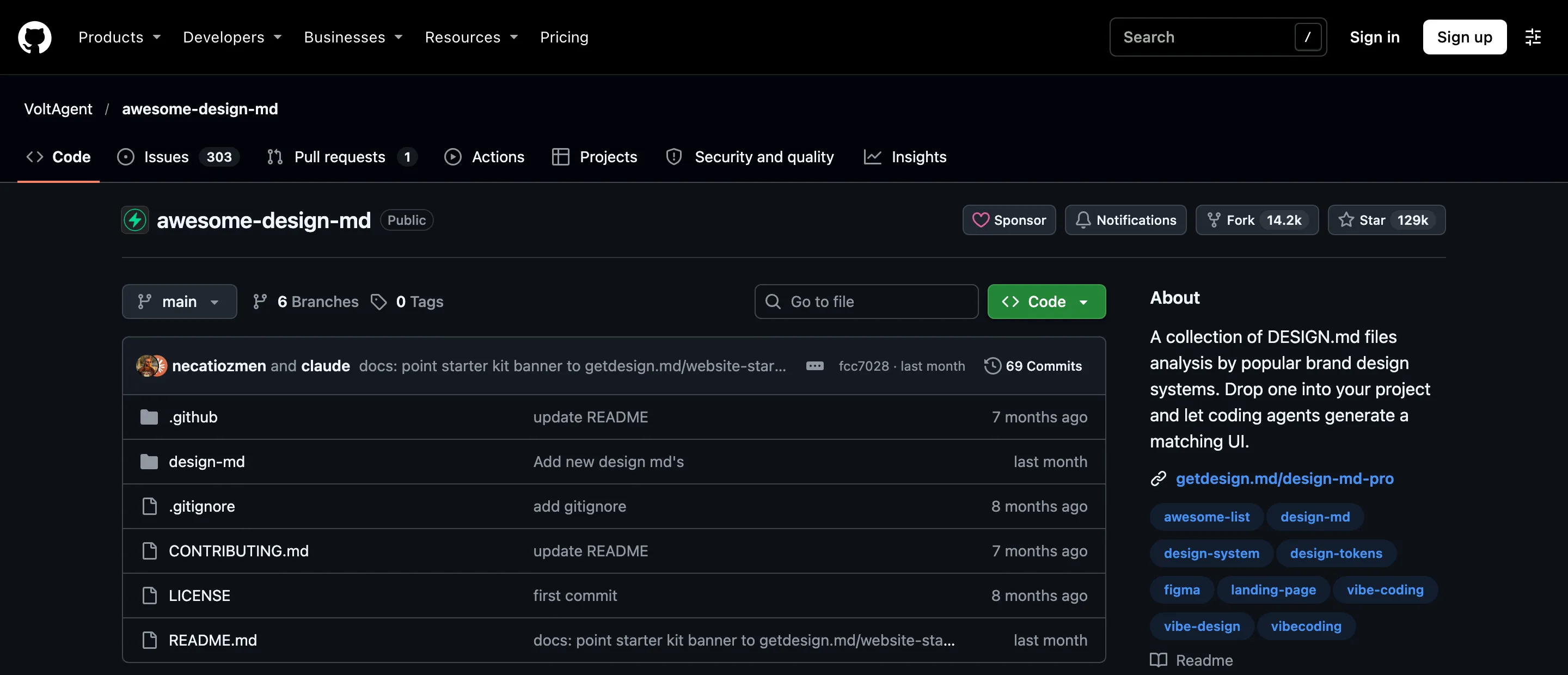
awesome-design-md on GitHub
Best for: learning how big brands design, and side projects. Price: free. A custom private file costs $54.
awesome-design-md by VoltAgent is the collection most people find first. It has more than 128,000 stars on GitHub and 84 brand folders, from Stripe, Linear and Vercel to Apple, Nike and Ferrari. Each folder has a DESIGN.md plus a light and dark preview page. It's MIT licensed.
Its companion site, getdesign.md, says it has more than 550 files. You can download one from its page or add it with one command:
npx getdesign@latest add stripe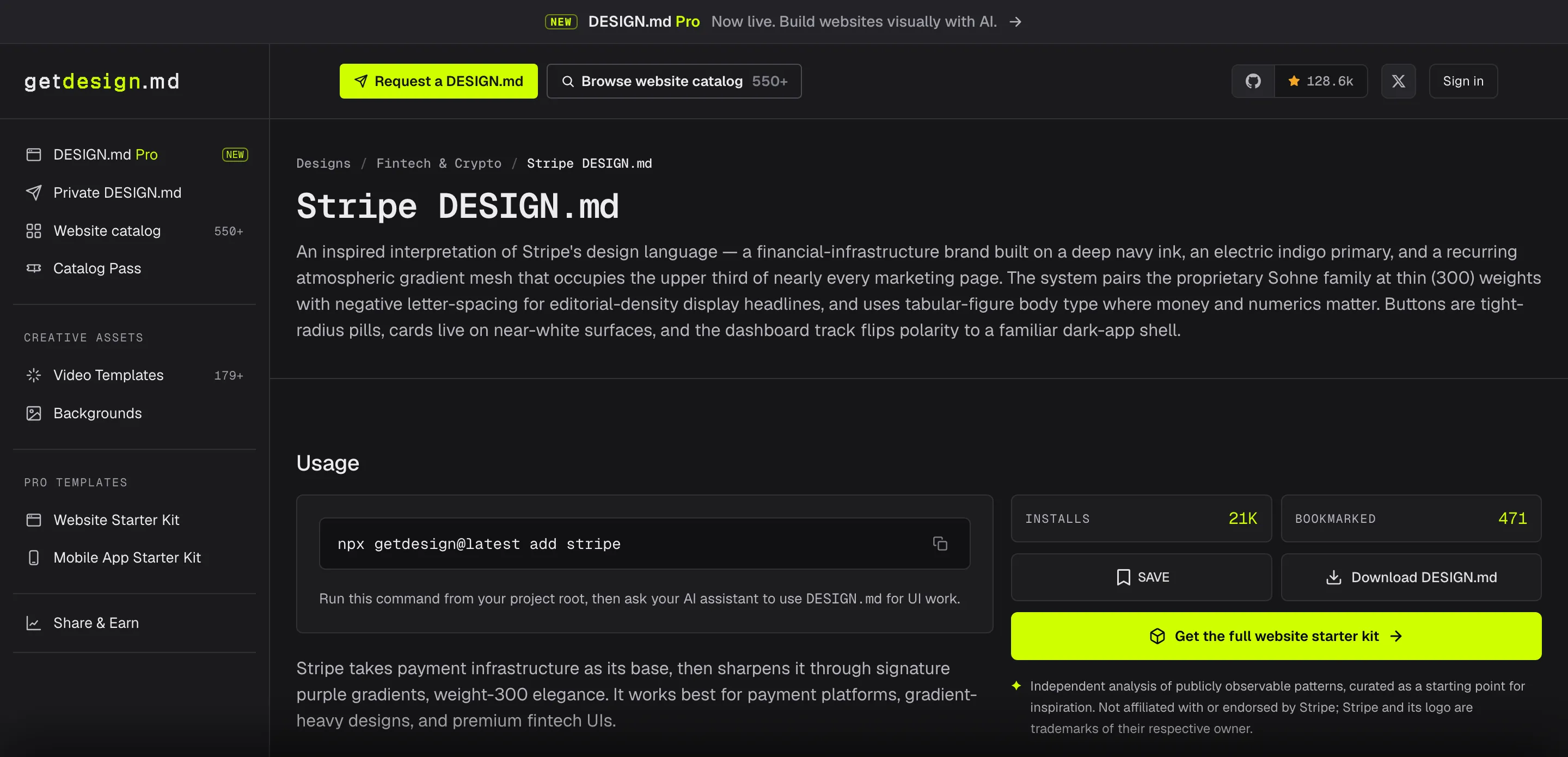
A file page on getdesign.md
The files are written from each site's public CSS. The project says it doesn't own any brand's look, and the files are not made or approved by the brands. That's why I'd use them to learn or to try a style, not to build a client site that looks like Stripe.
4. shadcn.io/design: 500 brands, free
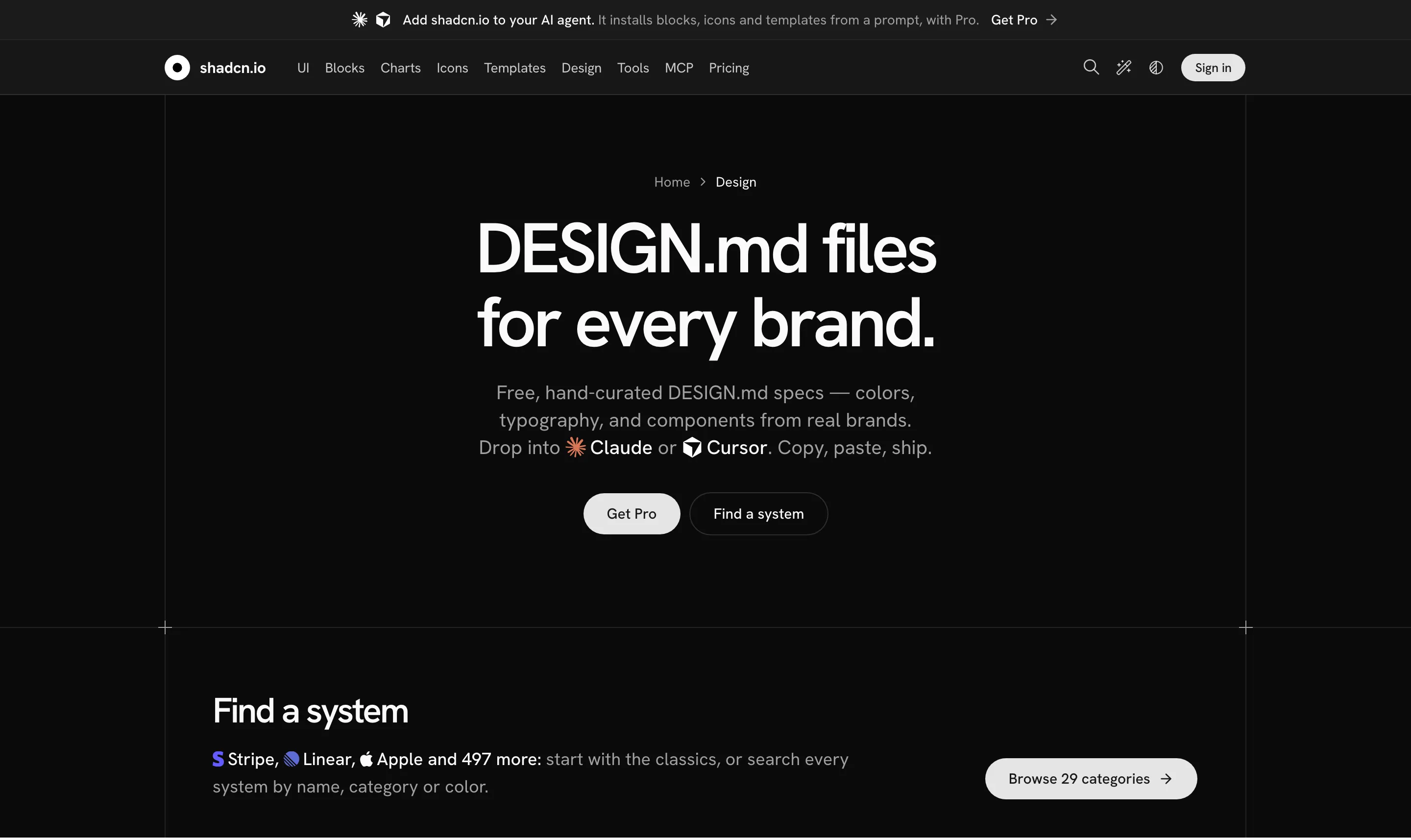
shadcn.io/design
Best for: finding a style by category. Price: free, no account needed.
shadcn.io/design has 500 brand-inspired DESIGN.md files in 29 categories. Each file has a raw text link, so your agent can read it straight from the web. The Stripe file I opened was the longest of the free ones I checked, about 32,000 characters, with a responsive section and a short list of what the file doesn't cover.
Like awesome-design-md, these are not official files, and the site says the brands haven't approved them.
5. Designs.md: 490 files with a CLI and MCP server
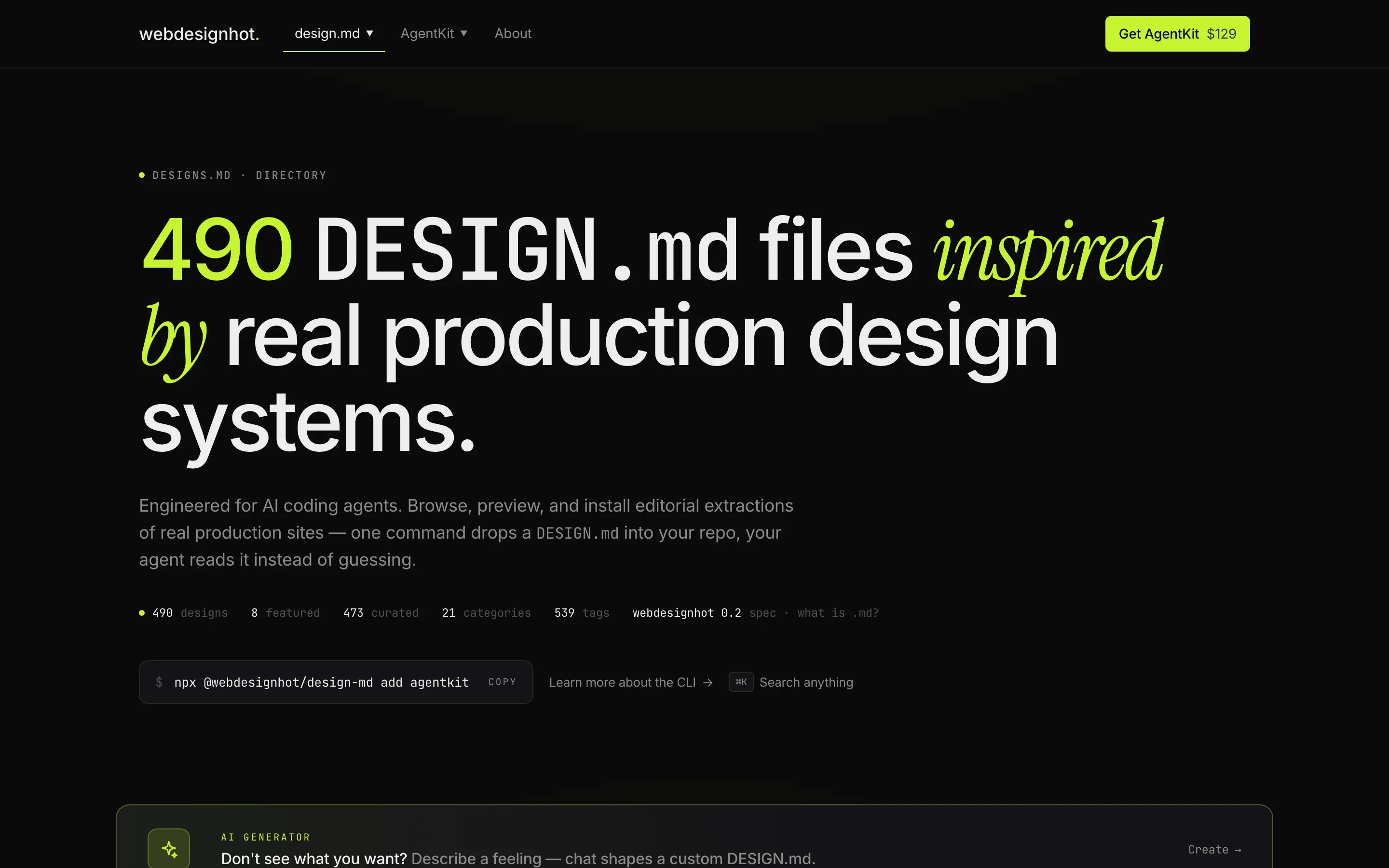
Designs.md by webdesignhot
Best for: browsing lots of styles from your terminal or agent. Price: the directory is free.
Designs.md by webdesignhot lists 490 files, inspired by real design systems. Its command line tool, npx @webdesignhot/design-md, can add, list, compare, export and lint files, and there's an MCP server so your agent can search the directory by itself. I couldn't find a trademark note on the page, so treat these the same way as the brand files above.
6. Ant Design: an official DESIGN.md
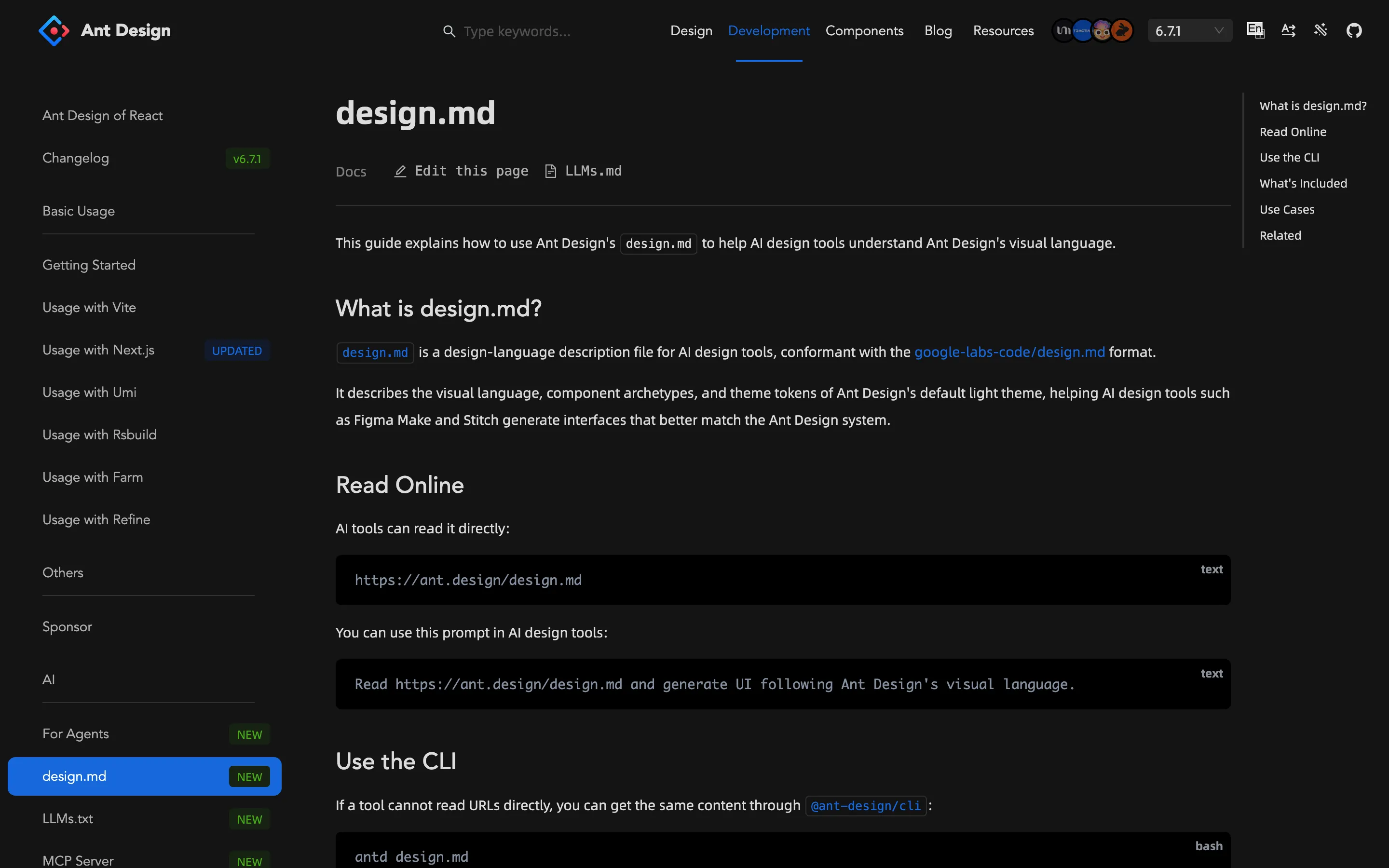
Ant Design's DESIGN.md page
Best for: apps and dashboards built with Ant Design. Price: free.
This was the only design system team I found that publishes its own DESIGN.md. Ant Design's file follows Google's format and is made by the people who make the design system, so you can trust it more than a file written from a website's CSS. It's built for app screens like tables, forms and menus, not marketing pages. If your client's product uses Ant Design, this is the file to give your agent.
7. Google's extract skill: make one from your code
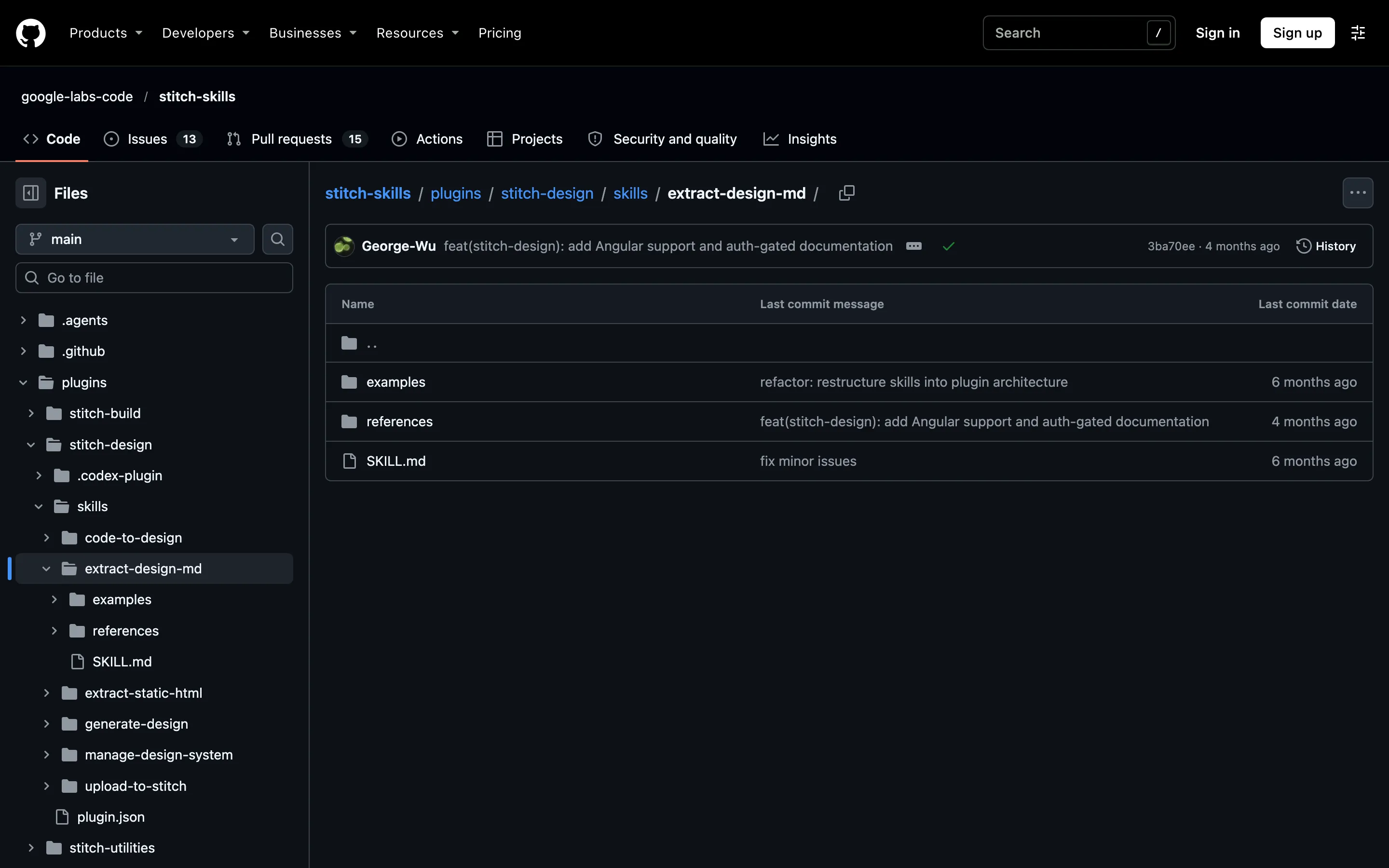
Google's extract-design-md skill
Best for: sites and apps that already have a design. Price: free.
Sometimes the best DESIGN.md is the one for the site you already have. Google's stitch-skills repo has an extract-design-md skill that reads React, Vue, Svelte, Angular or CSS code and writes a DESIGN.md in Google's format. Run it on a client's current site before a redesign, and your agent keeps the new pages on brand.
Read the result before you use it. A file made from code gets the tokens right, but it can't know the reasons behind them, so add your own do's and don'ts.
8. Tailkits DESIGN.md Studio: build your own
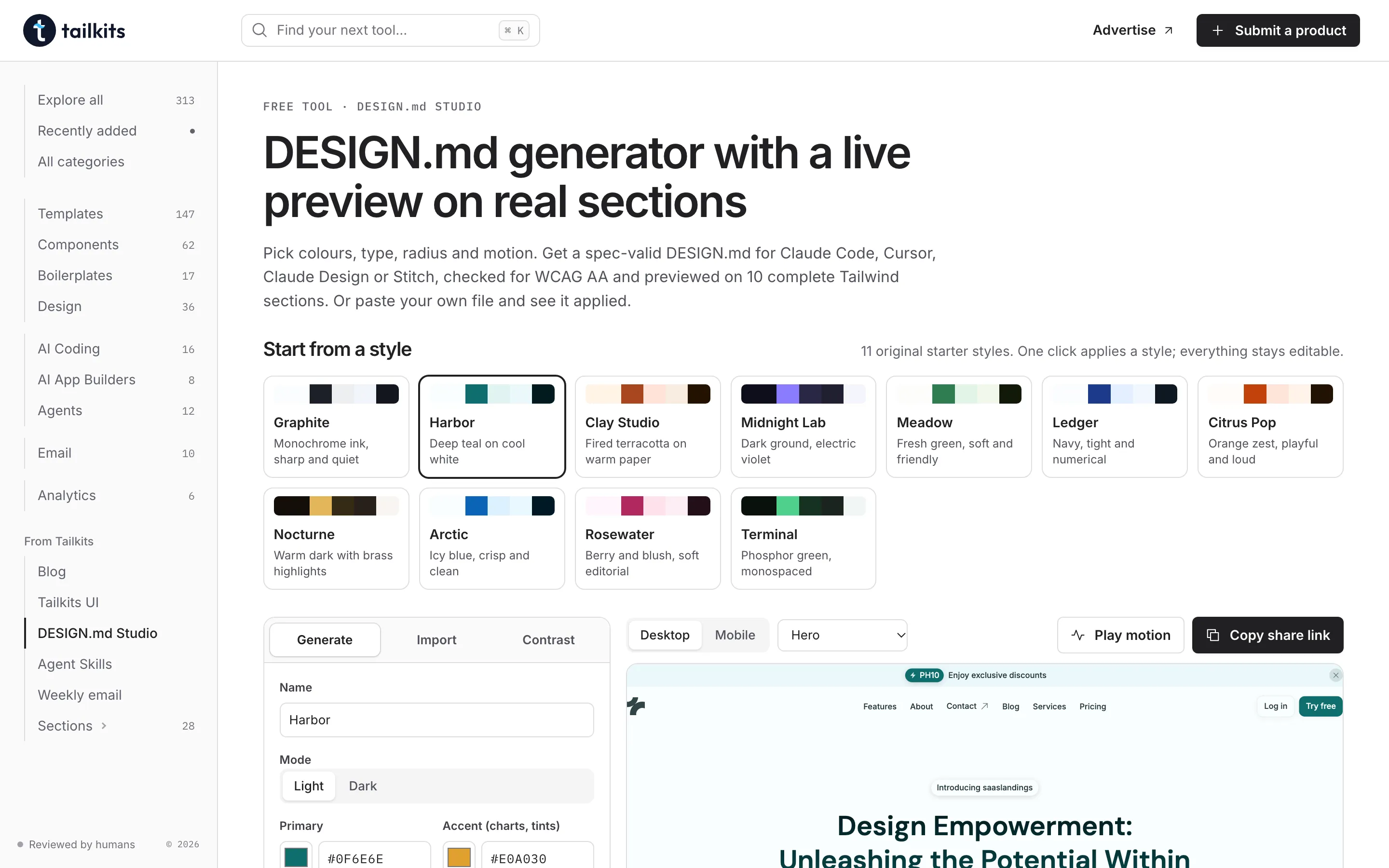
Tailkits DESIGN.md Studio
Best for: a new brand with no design yet. Price: free.
Tailkits DESIGN.md Studio lets you pick colors, fonts, corner radius and motion in the browser, or start from one of 11 starter styles. It exports a DESIGN.md plus a theme file for Tailwind and shadcn/ui. You can also upload a DESIGN.md and edit it. It's a quick way to make a clean file, but it won't give you page structure, so you still decide which sections the site needs.
Where DESIGN.md falls short
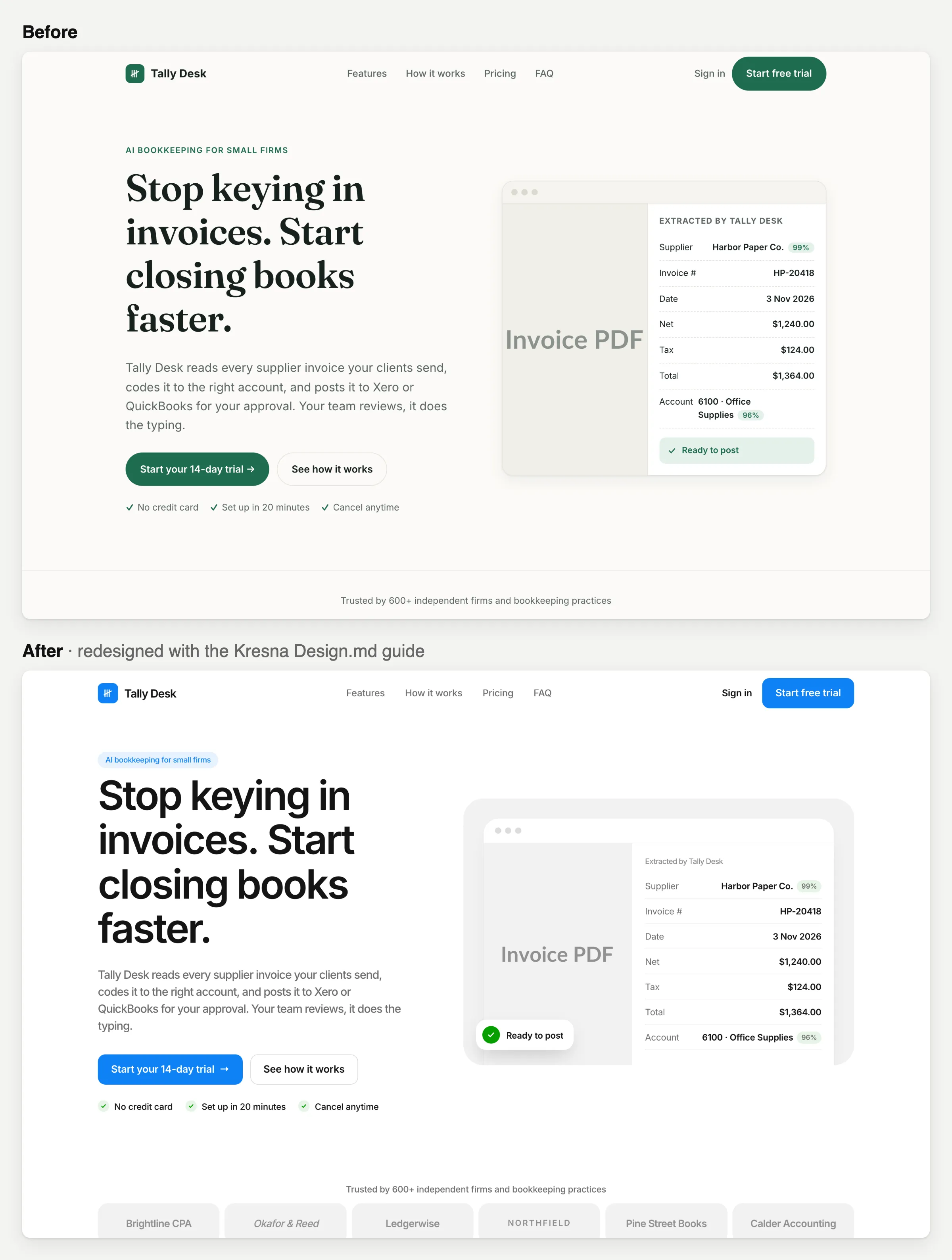
A page from my Fable vs Opus test: before, and after Opus 5.5 redesigned it with the Kresna Design.md.
A DESIGN.md file is a great way to give your agent a design style. In the test above, the Kresna file changed the colors, type and buttons of the whole page in one go. But it's still words describing a design, and words only go so far.
- A clear reference beats a description. "Big serif headline, image grid on the right" can be built a hundred ways. Show the agent the real thing and it gets much closer.
- Motion is the hardest part to describe. Even a file with exact timings leaves the agent to rebuild each animation from scratch. In my builds, this is where pages most often feel off: the hover is wrong, or the scroll effect doesn't quite work.
That's why I don't stop at DESIGN.md. Every section and component in Velox Themes also has a Copy prompt button. It copies the full React code and CSS for that exact section, motion included, ready to paste into Claude Code, Codex or Cursor. The agent doesn't have to guess the layout or rebuild the animation. It starts from the finished section and fits it into your project.
To see the difference, I ran one page from that test again. North Form, a studio homepage, had been redesigned with the Kurawa DESIGN.md only. This time the agent got the same DESIGN.md plus the real Kurawa sections through Copy prompt: the header, hero, logo row, testimonials, contact and footer. With the file alone, the page took Kurawa's colors and type but kept its own layout. With the sections, the hero picked up Kurawa's work slideshow, the proof row under the headline and its button hover.
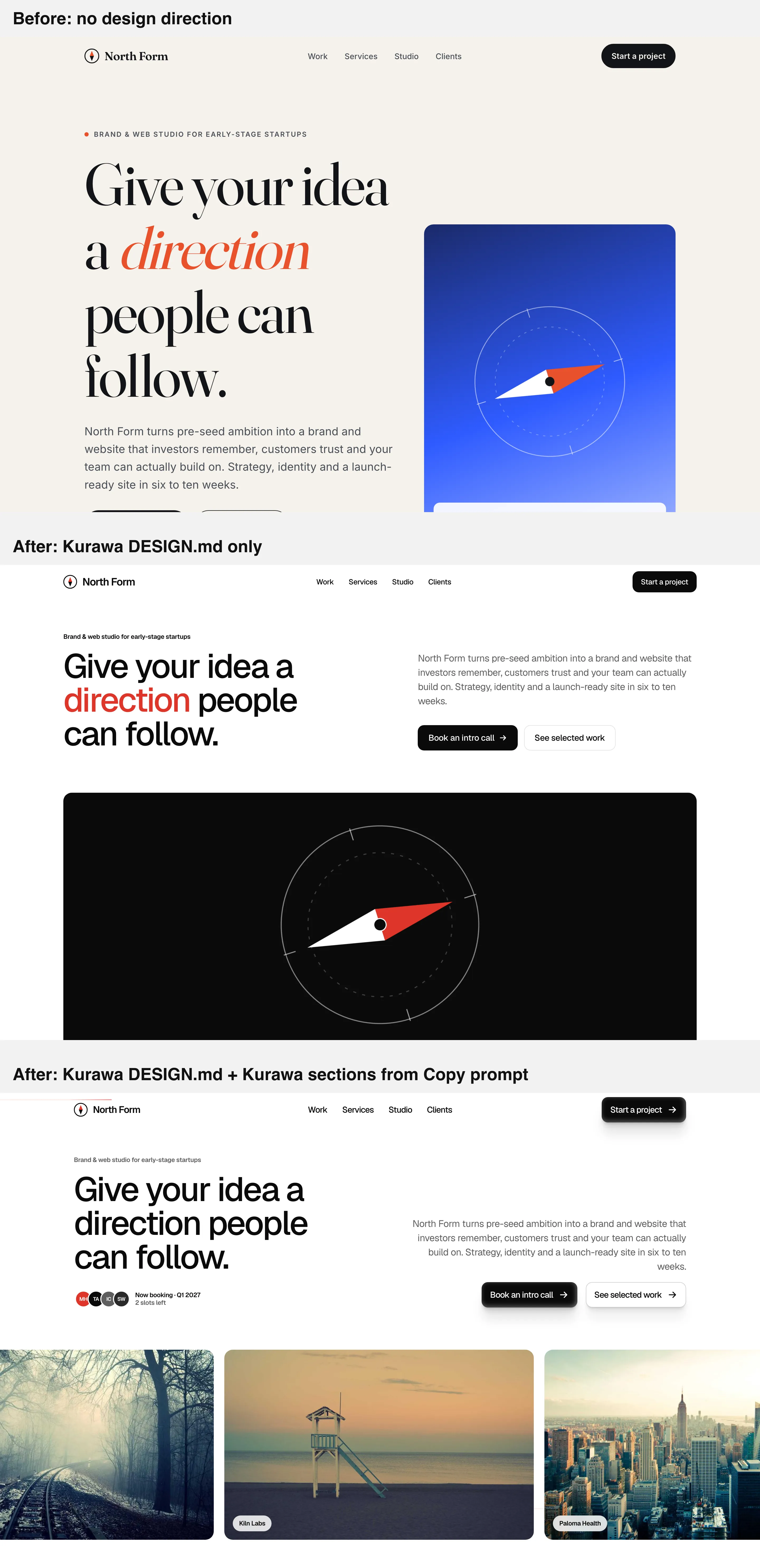
The same North Form page three ways, all built by Opus 5.5 in Claude Code.
I use the two together. DESIGN.md keeps the whole site on one style. Copy prompt gives the agent exact sections to build from. If you want to try it, there are free sections you can copy with a free account.
How to use a DESIGN.md in Claude Code, Codex and Cursor
Put the file in the root of your project and name it DESIGN.md. Then tell your agent to follow it. The easiest way is one line in the file your agent always reads:
- Claude Code: add it to
CLAUDE.md. - Codex: add it to
AGENTS.md. - Cursor: add it to a rule in
.cursor/rules, or toAGENTS.md.
Follow DESIGN.md for every page and component. Use its exact colors, fonts,
spacing and motion. Don't add colors, fonts or effects that aren't in it.
Two tips. First, ask the agent to check its work against the file's do's and don'ts before it says it's done. Second, use one DESIGN.md per site. Mixing two files gives you a page that looks like neither.
Which one should you pick?
- You build client websites: start with a website file like Velox Themes Design.md, then change it to fit the brand.
- You want a real site's style explained in depth: Refero Styles, if you're happy to pay for Pro.
- You're learning or trying styles: awesome-design-md, shadcn.io and Designs.md are free and huge. Just don't copy a brand for a client.
- Your client already has a site or design system: make a DESIGN.md from their code with Google's extract skill, or use the official file if they use Ant Design.
- You're starting a brand from zero: build a file in Tailkits' studio.
FAQ
What is a DESIGN.md file?
It's a Markdown file that describes a design system for AI coding agents: colors, fonts, spacing, components and motion. Agents like Claude Code, Codex and Cursor read it and build in that style. Google created the format for Stitch and made it open in April 2026.
Where can I get free DESIGN.md files?
awesome-design-md on GitHub, getdesign.md, shadcn.io/design and Designs.md all have free brand-inspired files. Ant Design publishes an official one. Refero has a few free styles, with most on its Pro plan. Velox Themes has two free website files, Arjuna and Kurawa, with a free account.
Can I use a brand's DESIGN.md for a client website?
I wouldn't. Files like "Stripe" or "Linear" are written from those sites' public CSS, and the brands haven't approved them. They're great for learning, but a client site should have its own look.
Where do I put DESIGN.md in my project?
In the project root. Then add a line to CLAUDE.md (Claude Code), AGENTS.md (Codex) or a Cursor rule telling the agent to follow it.
Does DESIGN.md work with Claude Code and Codex?
Yes. It's plain Markdown, so any agent can read it. Neither Anthropic's nor OpenAI's docs treat DESIGN.md as a special file yet, which is why you point to it from CLAUDE.md or AGENTS.md.
Is there a free DESIGN.md template?
Yes. Google's spec on GitHub shows the full format with examples, and Tailkits' studio gives you 11 free starter styles to edit. For a whole website, Velox Themes' Arjuna and Kurawa files are free with a free account.
Can a DESIGN.md file copy animations?
Only partly. It can describe motion, and good files list exact timings, but the agent still has to rebuild each animation. For exact motion, give the agent the real code, like a Velox Themes Copy prompt.
Can I make my own DESIGN.md?
Yes. Google's extract skill writes one from your code, and Tailkits' studio builds one in the browser. Check it with npx @google/design.md lint when you're done.
Sources
- Google: Stitch's DESIGN.md format is now open-source (21 April 2026)
- google-labs-code/design.md: spec, license and change history
- google-labs-code/stitch-skills
- VoltAgent/awesome-design-md and getdesign.md
- Refero Styles, Refero MCP and pricing
- shadcn.io/design
- Designs.md by webdesignhot
- Ant Design DESIGN.md
- Tailkits DESIGN.md Studio
All counts, prices and features were checked on 20 November 2026, and Refero's on 23 November 2026.