


 Velox ThemesRelume
Velox Themes or Relume?
A free Relume alternative with finished designs, made by hand.
Velox Themes and Relume at a glance
| Velox Themes | Relume | Why it matters | |
|---|---|---|---|
| What you get | Sections like heroes and pricing blocks, full templates, a few components, plus guides and skills. | An AI website builder, plus over 1,000 components for Webflow, React and Figma. | Relume helps you plan and run a whole site. Velox gives you finished pieces to build with. |
| Where you start | From a finished design. Our own designers make every section and template by hand. | From a short description. Its AI makes a sitemap, wireframes and copy, then a design. | Relume is quick from a blank page. Velox starts you with a look that's already done. |
| How you use it | Copy it as a prompt for your AI tool, as plain HTML, or into Framer. | Paste it into Webflow, export it to Figma, or install the React code with npm. | Building in Webflow? Relume fits best. Building with an AI tool, Framer or plain HTML? Velox does. |
| AI tools | Our MCP lets Claude Code, Cursor and Codex use Velox directly. The free plan gets limited access. | Its Library MCP works with Claude, ChatGPT, Cursor and more, on paid plans only. | With Velox you can try it in your AI tool before you pay. |
| Hosting | No. You put your site wherever you like. | Yes. Free on a relumesite.ai address, or $12 a site a month on your own domain, billed yearly. | Relume can run the site for you. With Velox you keep the code and host it yourself. |
| Extra help | Step-by-step guides, Design.md files and agent skills like Crosshair Skeleton. | A free Figma kit, a Slack community and new components every month. | Both help you learn. Velox's guides walk you through building with AI tools. |

Made by designers who care about the details
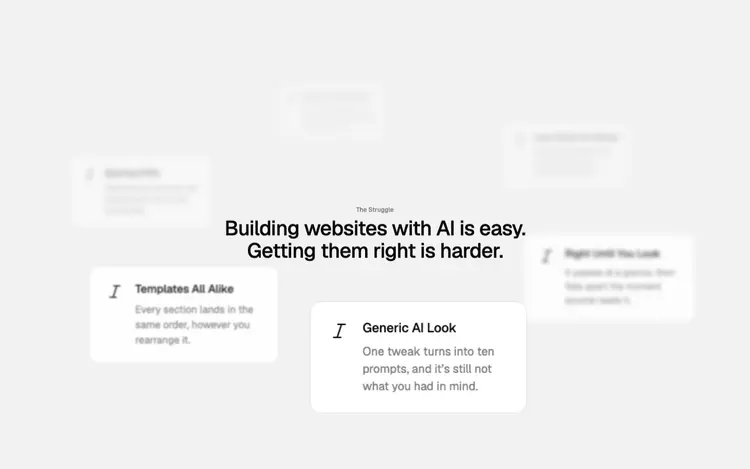
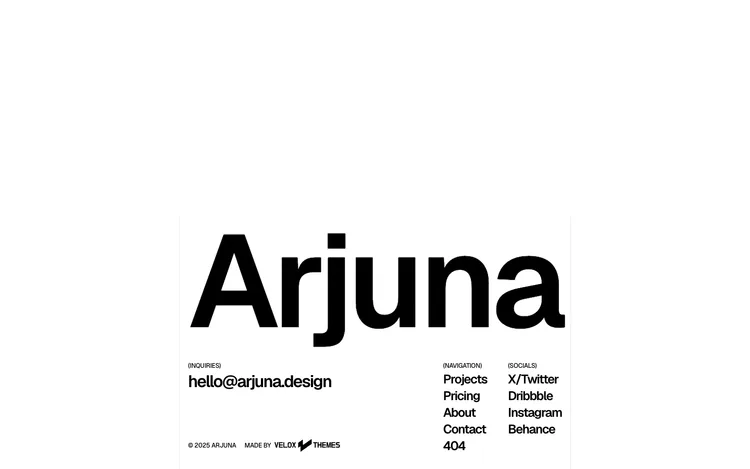
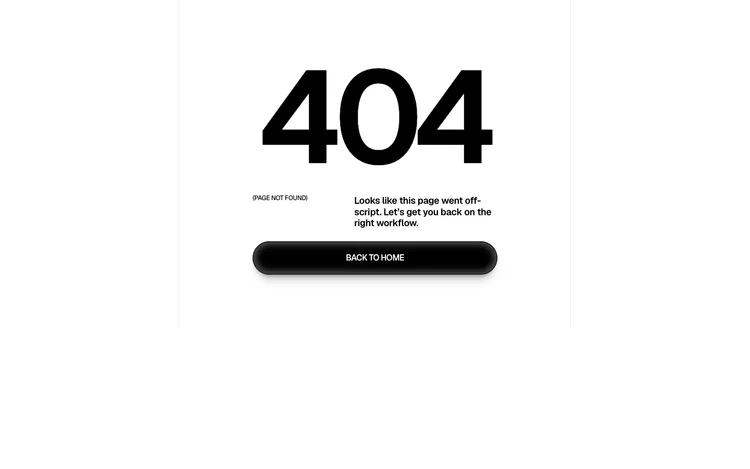
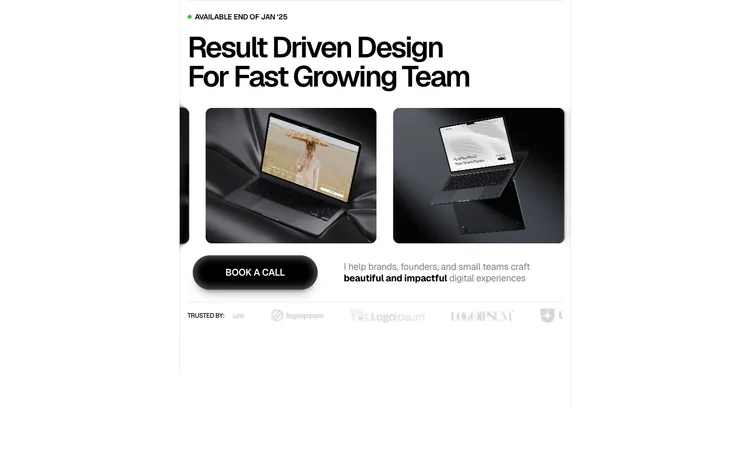
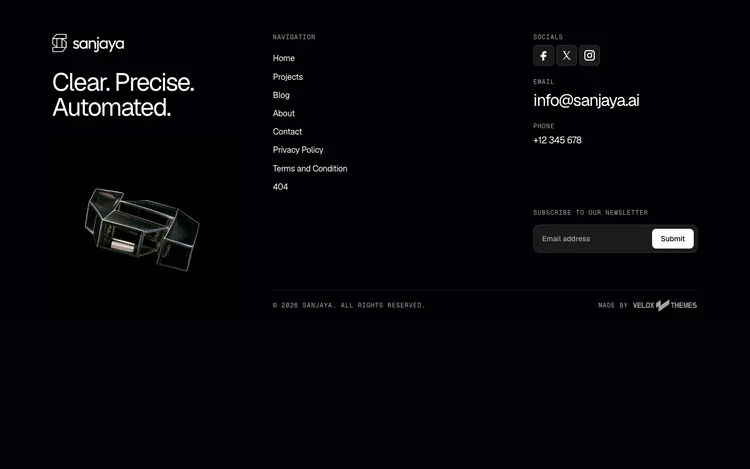
Every Velox section is designed by our own small team. We check the spacing, the fonts and the motion until it feels finished, not generated. Then we turn it into code your AI tool can use.



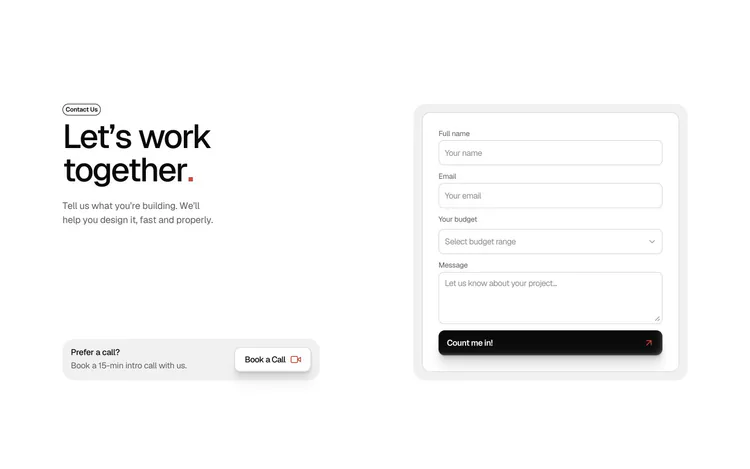






















More than components
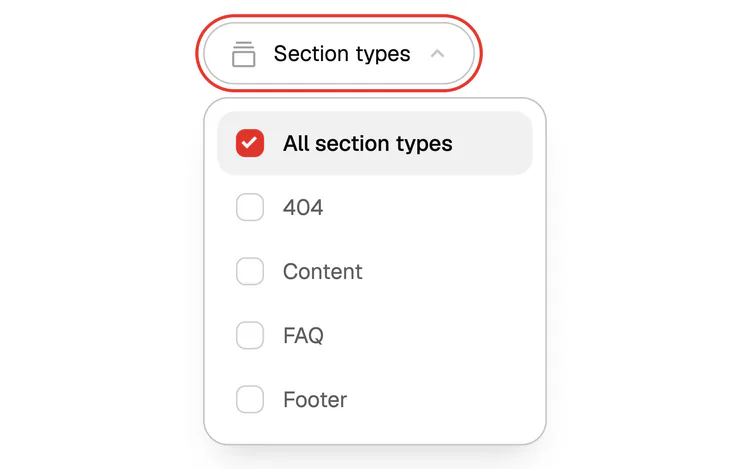
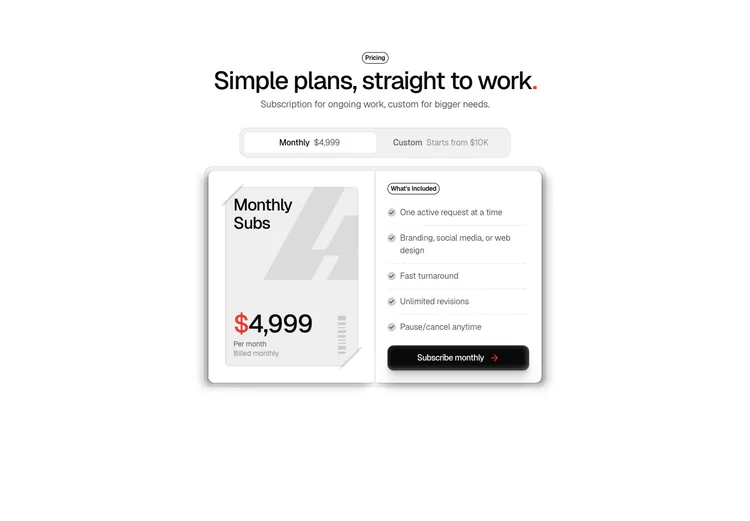
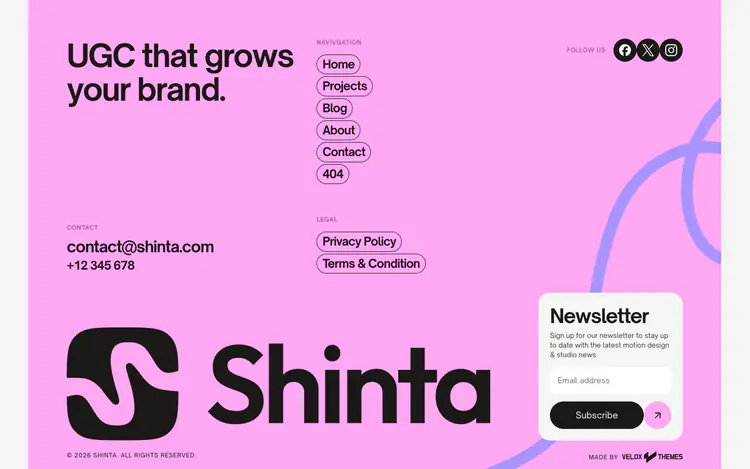
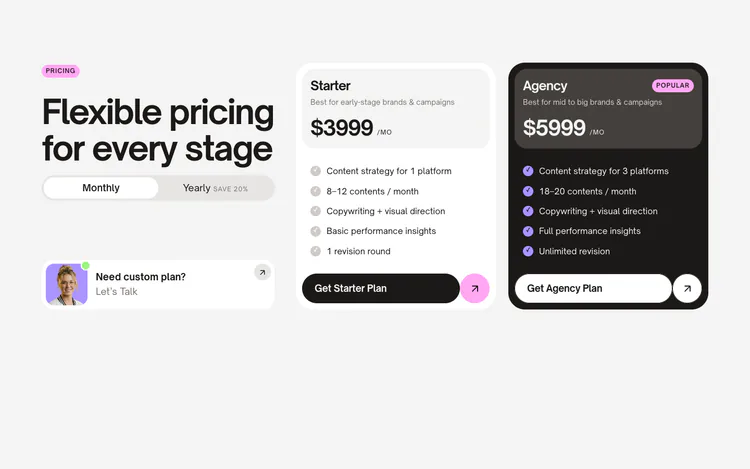
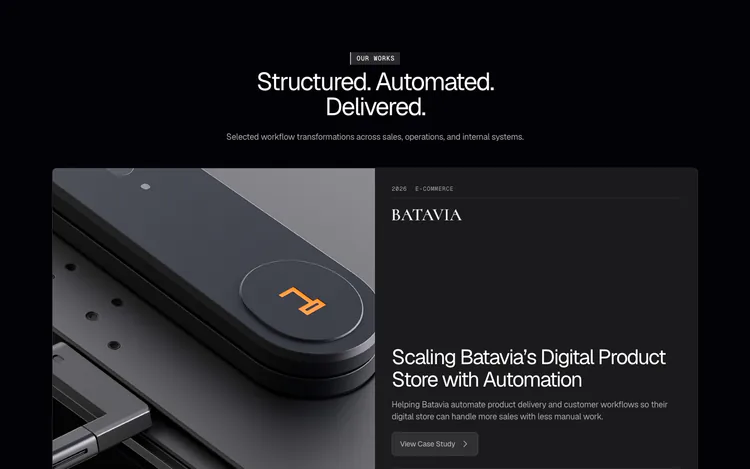 Sections41 whole page parts, like heroes, pricing and footers. 13 are free.
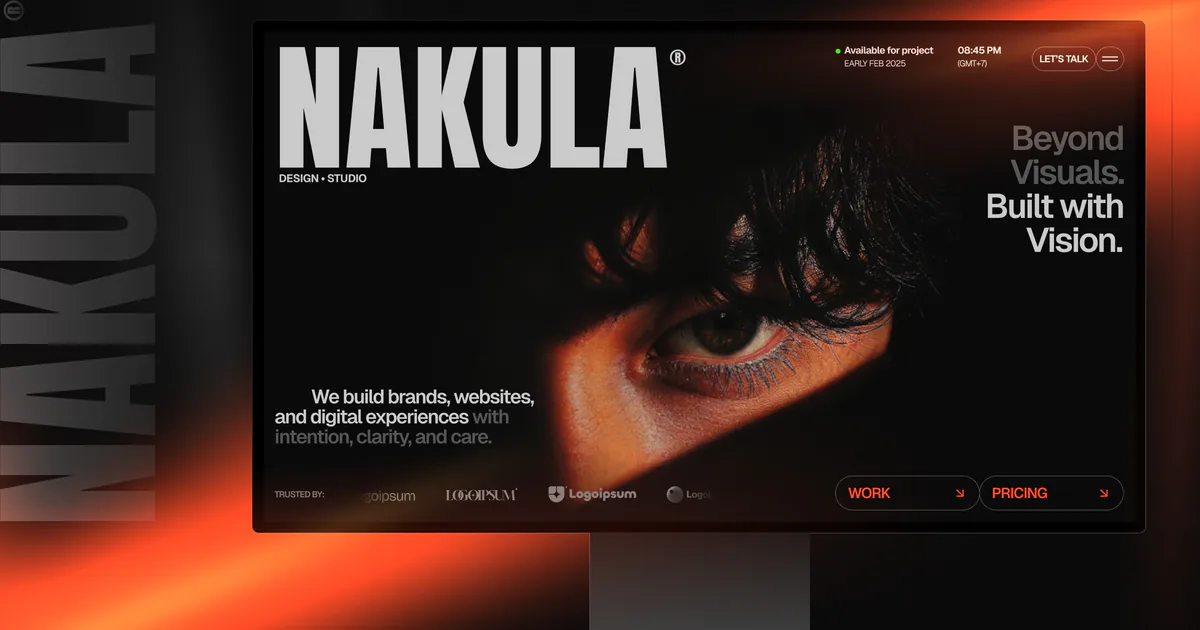 Templates15 full websites, ready to make your own. 2 are free.
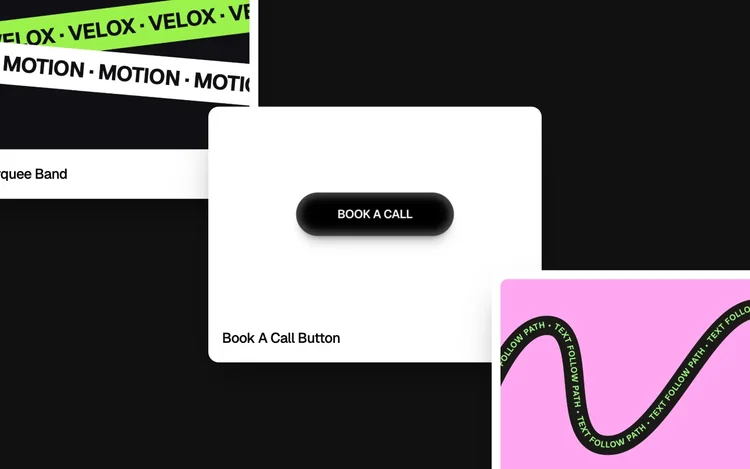
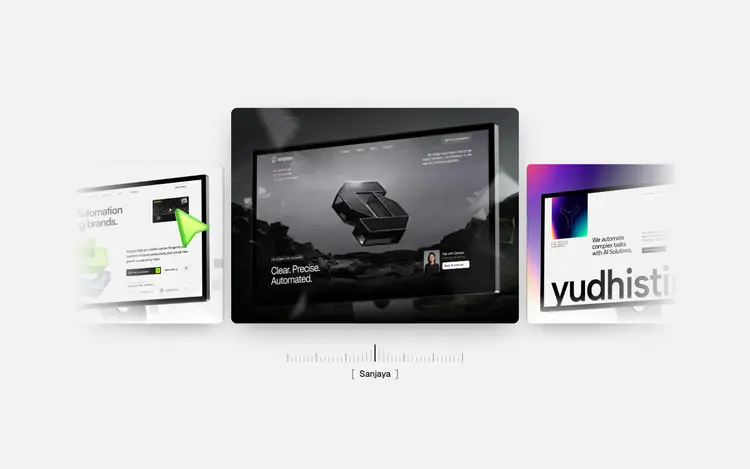 Components14 interactive pieces, like buttons, 3D carousels and text effects.
- Guides13 step-by-step guides for building and launching a site.
- SkillsAgent skills that teach your AI tool new tricks, like Crosshair Skeleton.
- Design.mdA design guide your AI tool reads, so new pages keep the same look.
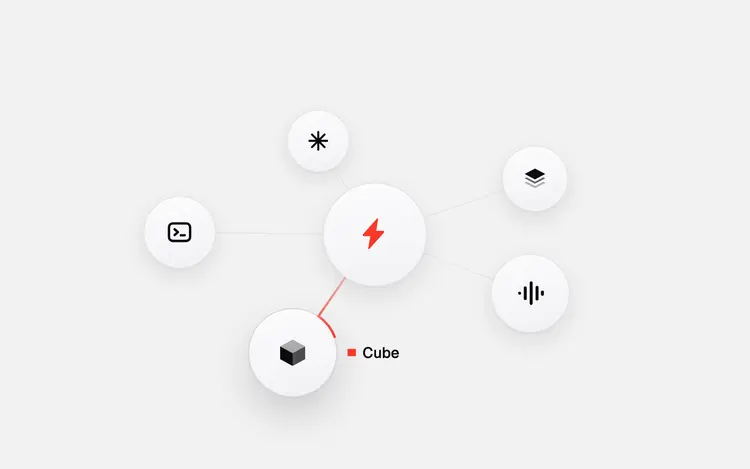
- MCPLets Claude Code, Cursor and Codex use Velox directly.
Copy any section as a prompt for your AI tool, as plain HTML, or into Framer.
Try a free section
These are free. Sign in, copy one and paste it into your AI tool.
Velox Themes vs Relume pricing
Prices are per month, billed yearly, before tax.
| Velox Themes | Relume | |
|---|---|---|
| Free | $0. Copy 3 free sections or components a day, and get 1 free template a day. No card needed. | $0. 1 project and 1 page, export to Figma only. 30 Webflow and 30 React components. |
| First paid plan | Pro: $15 a month, $180 billed yearly. Copy up to 30 sections or components a day. | Starter: $18 a month, billed $216 yearly. 1 project and 5 pages, export to Webflow and React. |
| Bigger plan | Max: $45 a month, $540 billed yearly. Copy as many sections and components as you want, plus 4 full templates a year. | Pro: $40 a month, billed $480 yearly. As many projects and pages as you want. |
| Teams | No team seats yet. Each person has their own account. | Team: $36 a person a month, billed yearly, for 3 people or more. |
Which one should you pick?
Pick Relume for
An AI that plans the site
Webflow copy and paste
Over 1,000 components
Hosting on your domain
Team seats
Pick Velox Themes for
Finished, hand-made designs
Prompt, HTML or Framer
MCP on the free plan
Full templates to start from
A lower first paid plan
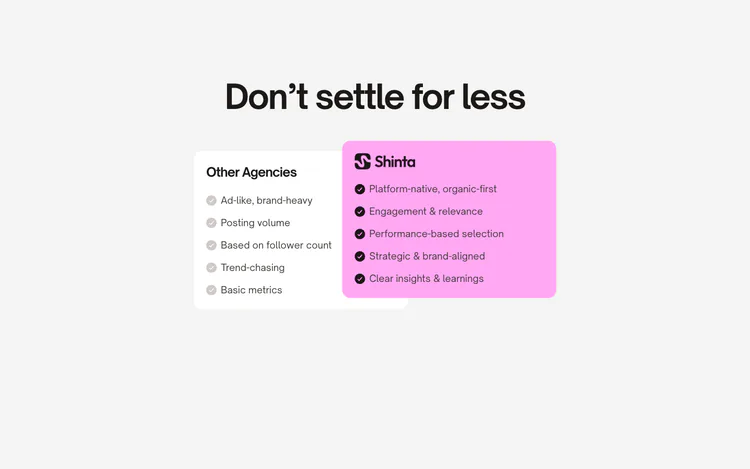
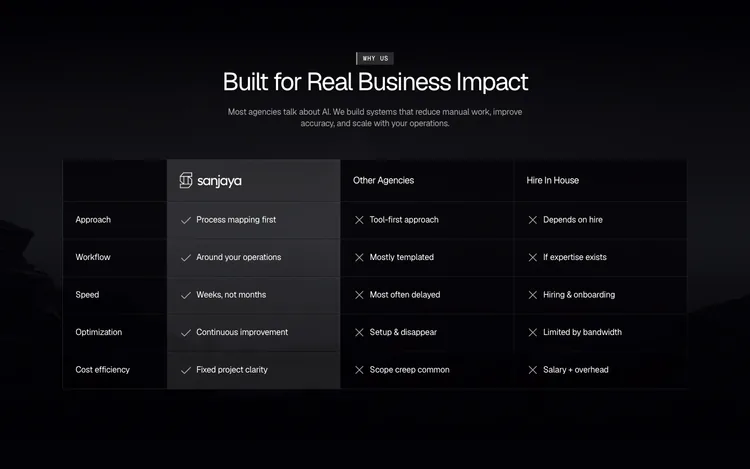
 Component used: Us vs Them Cards
FAQ
Is there a free Relume alternative?
Velox Themes has a free plan you can start with. You can copy 3 free sections or components a day, use them in your AI tool through our MCP, and get 1 free template a day. No credit card needed.
Is Velox Themes a good Relume alternative?
Yes, if you want finished designs and you build with an AI tool, Framer or plain HTML. If you build in Webflow, or want an AI to plan the whole site and host it, Relume may fit you better.
How do the free plans compare?
Relume Free gives you 1 project and 1 page, exports to Figma only, and opens 30 Webflow and 30 React components. Velox Free lets you copy 3 free sections or components a day, and get 1 free template a day. Neither one needs a credit card.
Do both have an MCP?
Yes. An MCP lets your AI tool, like Claude Code or Cursor, use the library directly. Velox Free includes limited MCP access. Relume's Library MCP needs a paid plan.
Can I use Velox with Webflow?
Not by copy and paste. Velox sections don't paste into Webflow. You can copy them as plain HTML, as a prompt for your AI tool, or into Framer.
Can I use Velox with React or Next.js?
Yes. Copy prompt gives your AI tool the full React code for a section. You can also copy plain HTML, or copy it into Framer.
Does Velox host my website?
No. Velox gives you the design and the code, and you host the site wherever you like. Relume can host it for you.
Can I use both?
Yes. You can plan the pages with Relume, then use Velox sections for the finished look.
More questions? Visit Support.
Relume facts checked 16 November 2026 on its home page and pricing page (its Export pricing tab, for the component library) and Library MCP page. Something out of date? Email info@veloxthemes.com and we'll fix it.

Give your AI agent a better place to start.
Pick a component, make it yours, and hand it to your AI agent. Spend less time prompting. Get closer to the website you want.
Explore Library