Comparison
Framer vs WordPress in 2026: SEO, Design, Cost & When to Use Each
Framer or WordPress in 2026? Full comparison on SEO performance, design workflow, pricing, and which one is actually better for your next project.
By

Widya Bayu W
Share
Summary
WordPress is cheaper upfront, it’s free to use, and tools like Elementor help you build without code
Framer is more premium, but includes fast hosting, a Figma-like interface, and smoother design workflow
Ease of Use: Framer is easier for designers. WordPress needs plugins, themes, and sometimes custom code
Animations: Framer has built-in animation support. WordPress often requires custom JS or extra plugins
SEO:
WordPress needs plugins like Yoast or RankMath for sitemap, schema, and metadata
Framer has built-in SEO tools and simple 30-day analytics out of the box
Client Handoff: Framer allows free editor access for clients if you’re a Pro Expert. WordPress depends on admin access and plugin setup
Maintenance: WordPress sites need regular updates. Plugin conflicts can break things. Framer handles updates for you
Custom Code & Flexibility: WordPress is more flexible for developers. Framer is more streamlined for design-focused creators
Ecommerce:
WordPress supports WooCommerce and other full-scale ecommerce plugins
Framer needs third-party tools like LemonSqueezy, Gumroad, or Shopify integrations
Template Sales: Framer lets you keep 100% of your revenue. WordPress template sales depend on the marketplace
Performance: Framer sites are generally faster with fewer things to manage. WordPress performance depends on theme, hosting, and plugins
Search Trends & Popularity: WordPress powers 43%+ of all websites, while Framer is rapidly growing with over 200,000+ sites built
Introduction: My Journey from WordPress to Framer
Back when I first started building websites, I was all about WordPress. I used Elementor to build my portfolio, and for a while, it worked. It was free, pretty easy to use, and I didn’t have to touch much code, unless I wanted something fancy like custom animations. That’s when things started to get messy.
Over time, plugin updates would break parts of the site. Managing SEO needed extra tools like Yoast or RankMath, and when something didn’t work, I found myself digging into PHP.
Now? I use Framer for most of my projects. It’s visual, feels a lot like Figma, and I can create beautiful, animated, responsive sites fast with no code required.
But it’s not perfect either.
If you’re a designer or a solo founder trying to decide between Framer and WordPress, here’s my real experience after building on both.
Getting to know WordPress
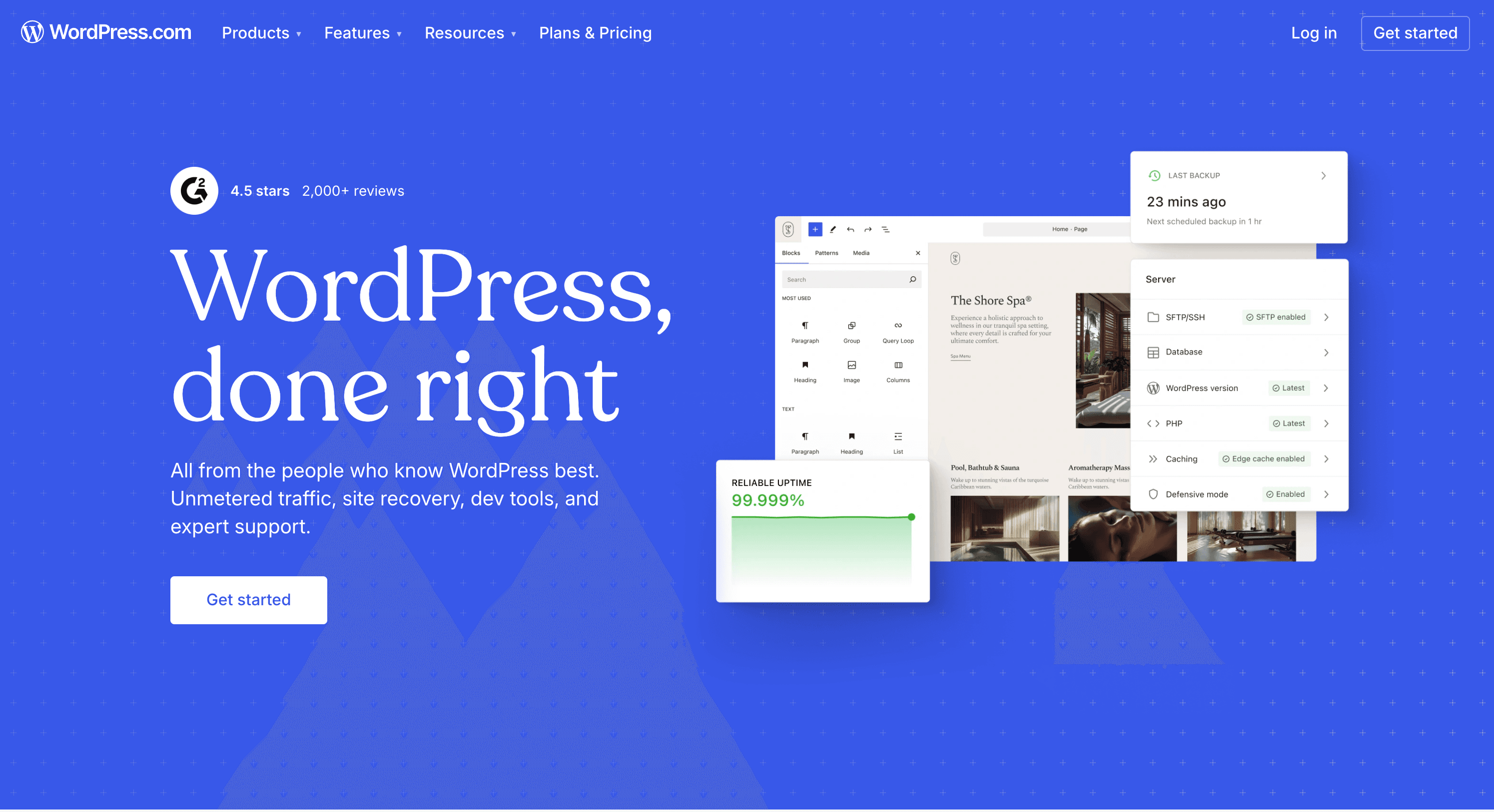
WordPress is an open-source CMS that powers a huge chunk of the internet. According to W3Techs, WordPress powers 43.2% of all websites on the internet and 62.8% of all websites that use a content management system.
It’s flexible, powerful, and has been around since 2003. But to get the most out of it, you’ll probably need themes, plugins, and sometimes even custom development.
Getting to know Framer
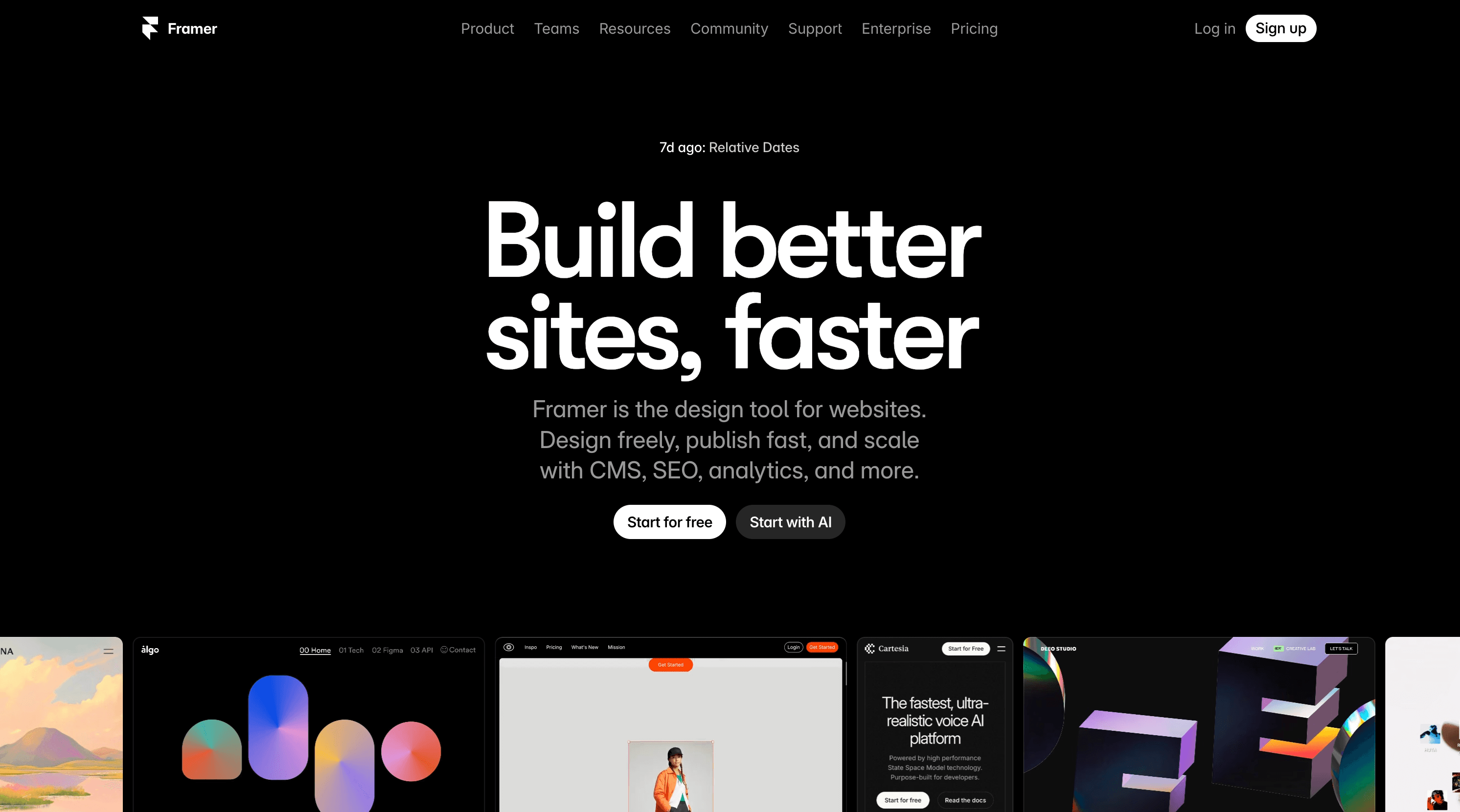
Framer started as a design tool and evolved into a powerful, no-code website builder. It’s made for designers and feels just like Figma, but your designs actually go live.
While it’s newer, Framer is growing fast: 208,147 websites have been built with Framer as of 2025, and it’s one of the fastest-growing no-code tools among designers and startups.
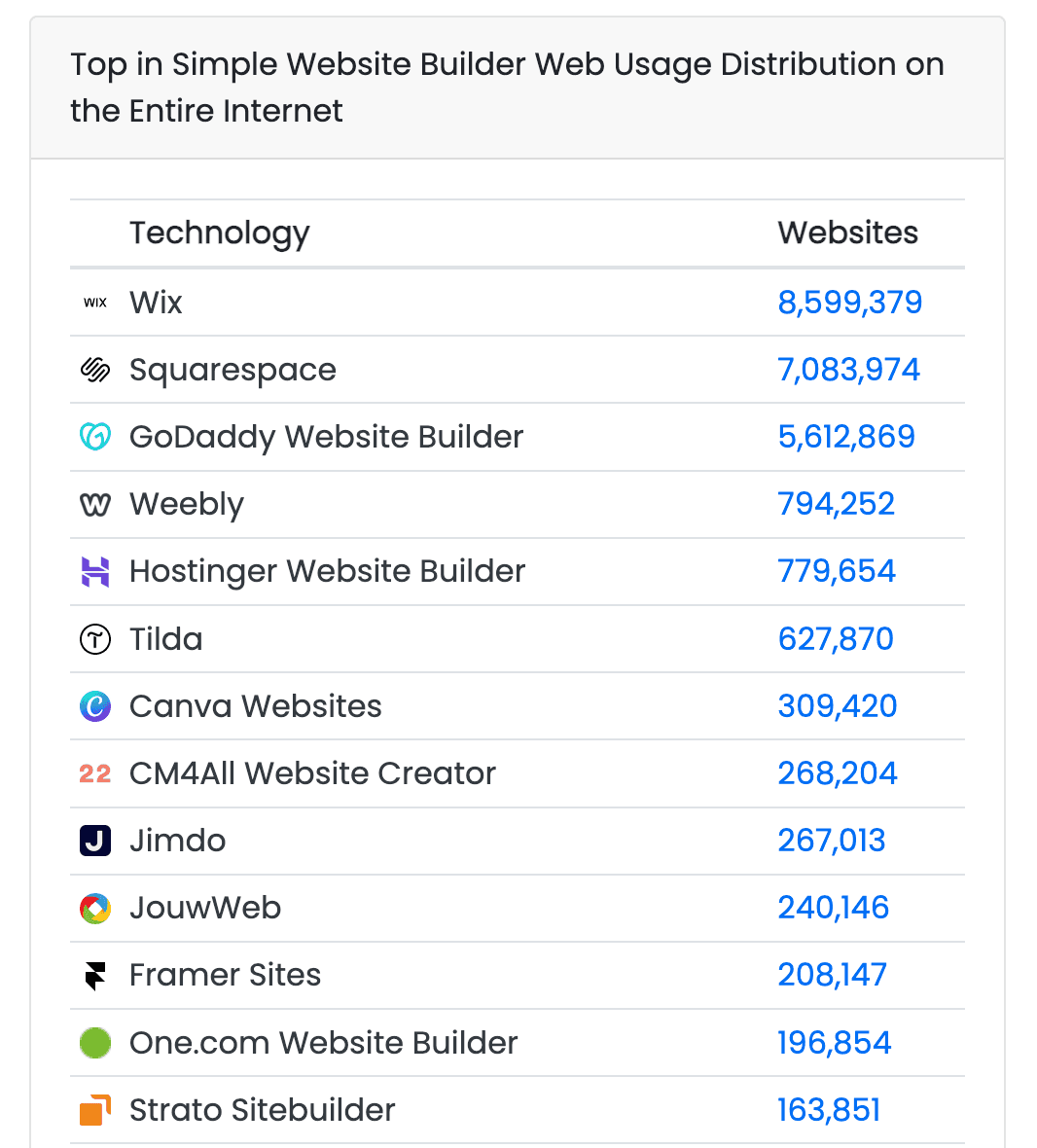
Source: BuiltWith
What It’s Like to Actually Use Each One
WordPress
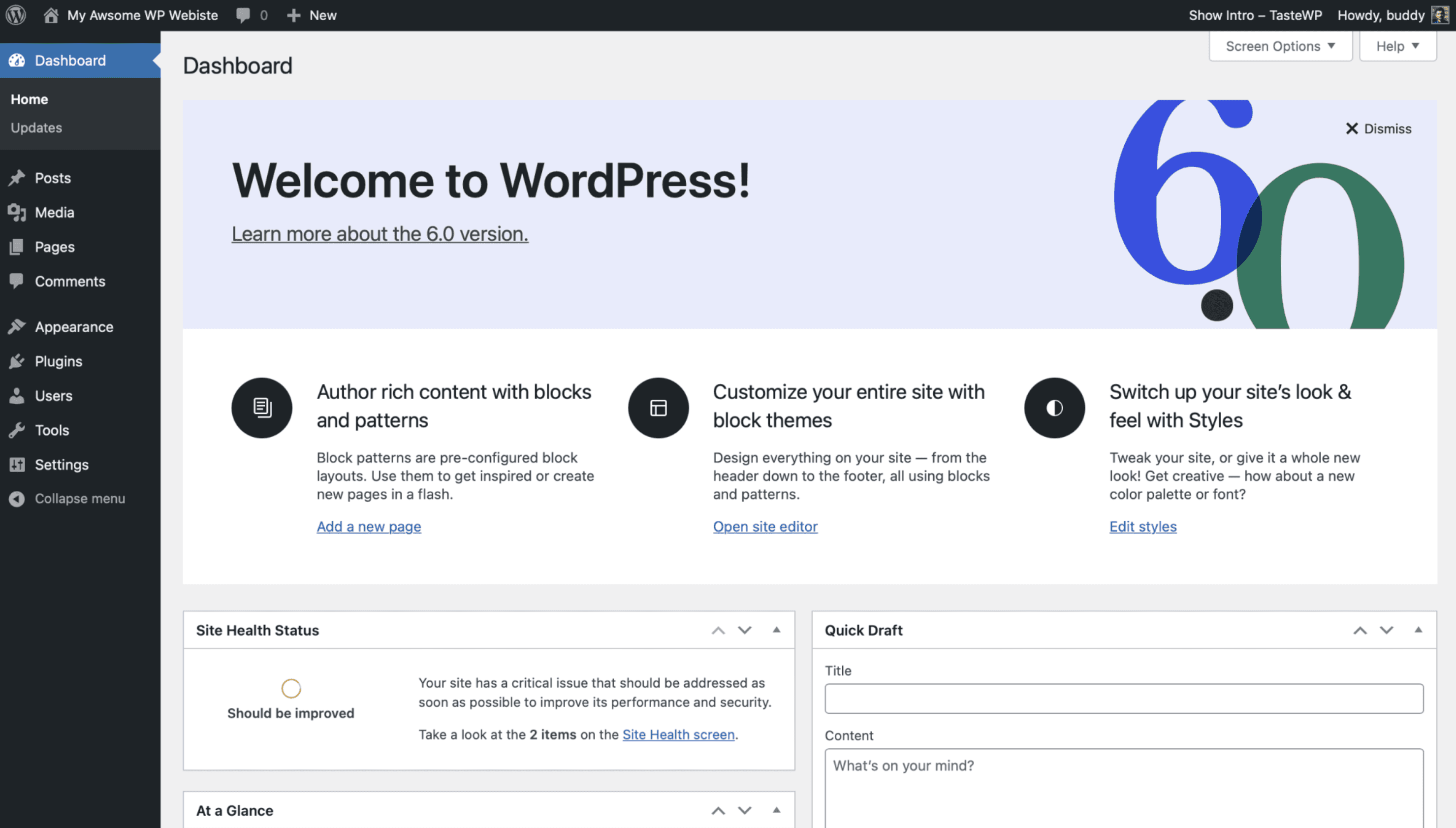
When I built my first portfolio site, I used WordPress with Elementor. Drag-and-drop was super helpful, especially when I was just starting out. But whenever I wanted to add animations or something more advanced, it usually meant digging into PHP or writing custom JavaScript.
Plus, whenever a plugin updated, there was always that fear it might crash the site or clash with another plugin. For SEO, I had to install extra tools like Yoast or RankMath just to handle basic stuff like meta tags and sitemaps.
WordPress was cheap and flexible, but honestly, it came with more maintenance than I was comfortable with.
Framer
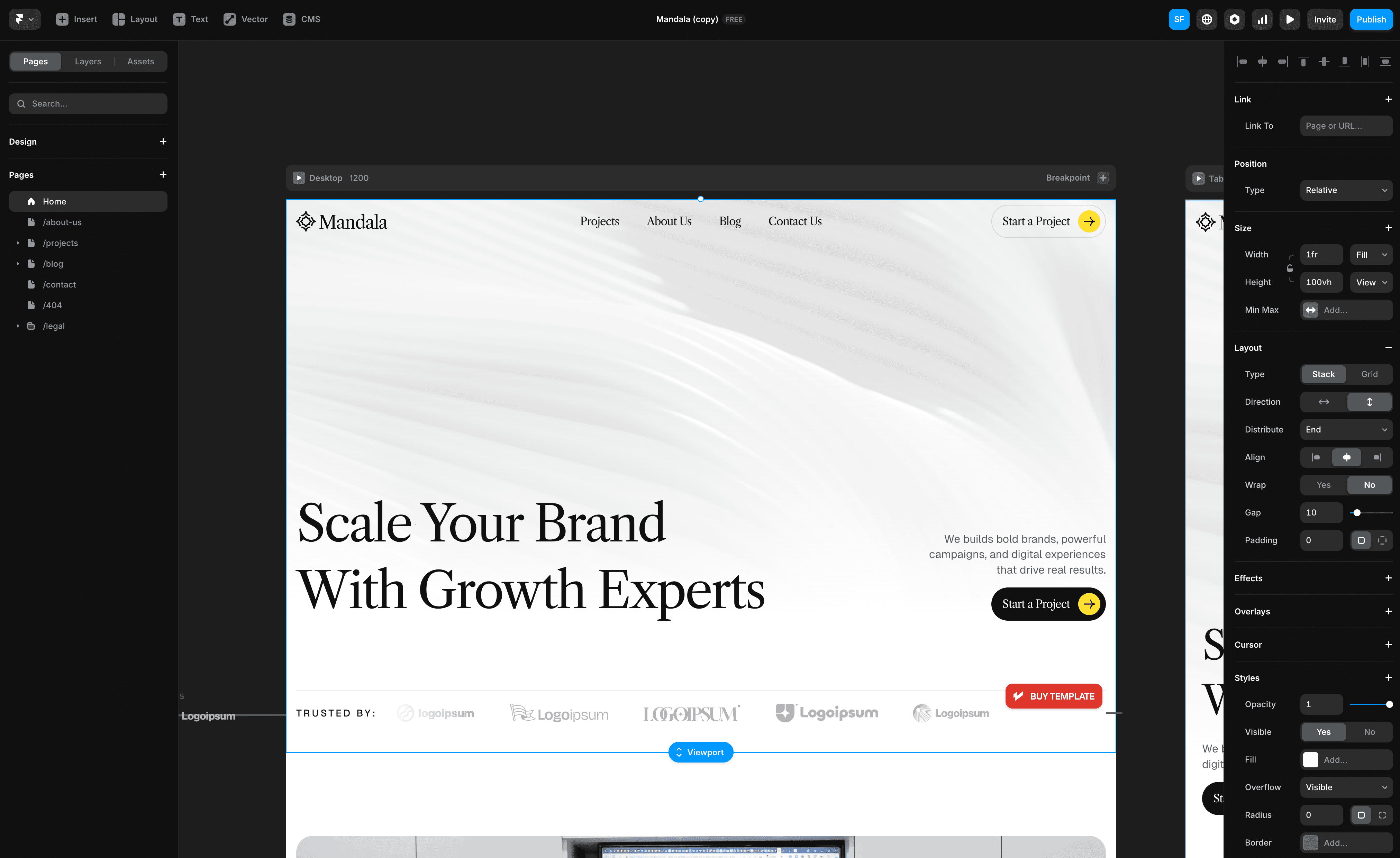
Switching to Framer felt like a breath of fresh air. It’s definitely more expensive, but hosting is built in. The interface is super similar to Figma, which made the learning curve almost nonexistent. I could design, animate, and launch all from the same place.
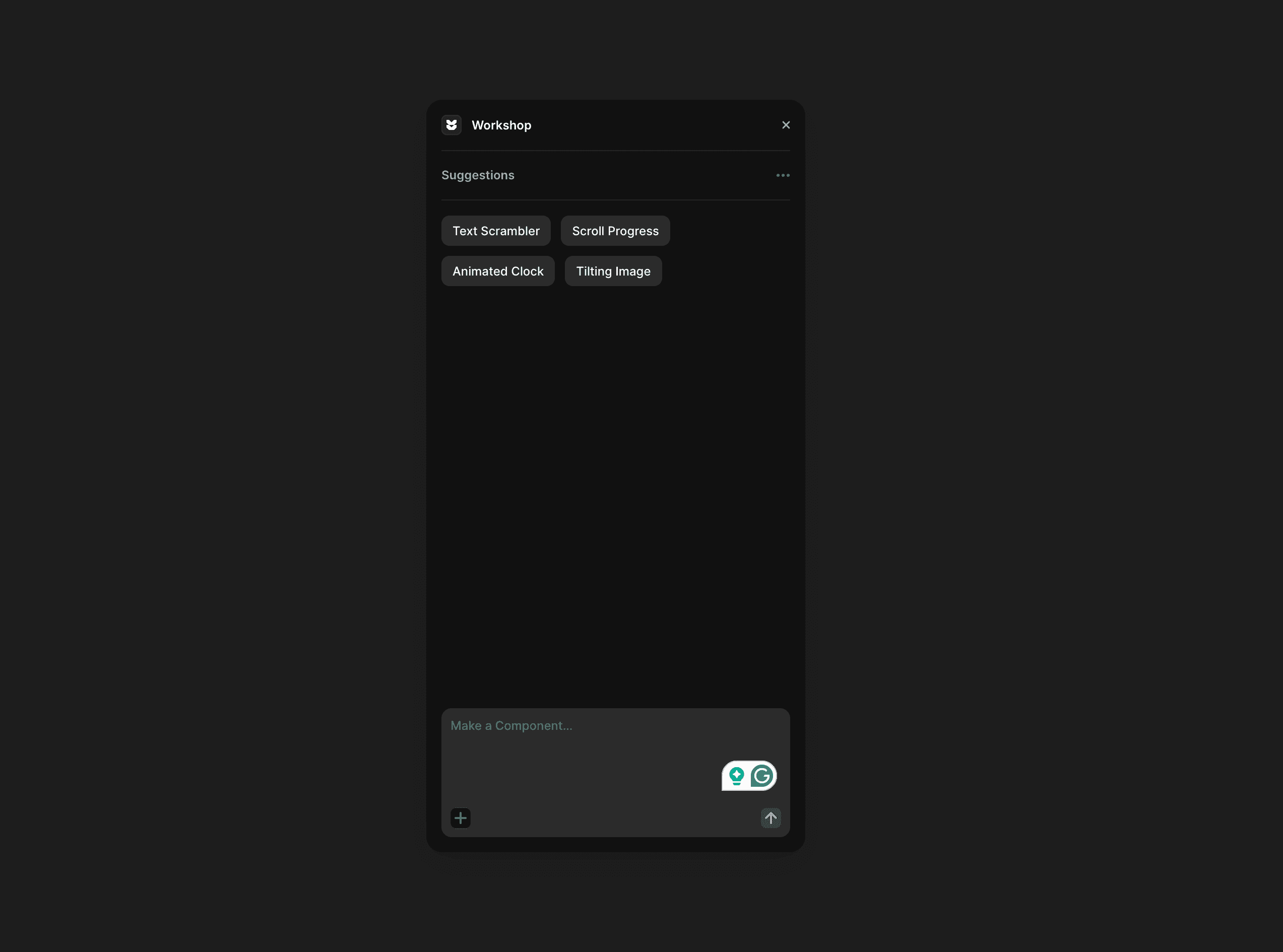
One of my favorite features is the AI workshop. It helped me build custom components that I’d never be able to make on WordPress without writing a bunch of code.
Framer also has built-in SEO tools and gives you simple site analytics for the past 30 days. The only real downside? You can’t export your code, so once you build on Framer, you’re pretty much committed to their hosting.
Framer SEO vs WordPress SEO: Which One Does It Better?
WordPress
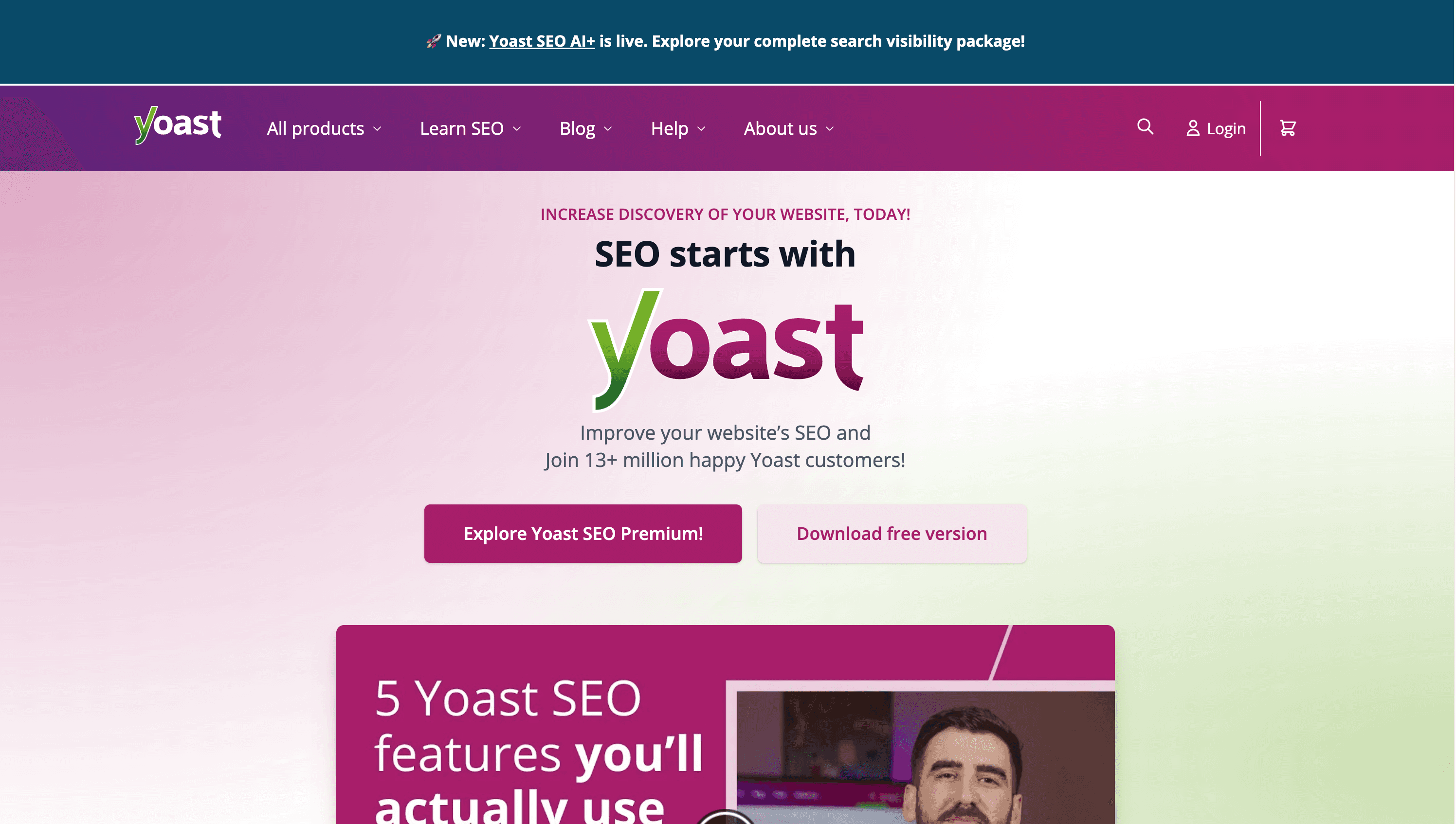
With WordPress, you’ll definitely need SEO plugins like Yoast, RankMath, or All-in-One SEO to get started. These tools help you manage meta tags, schema markup, sitemaps, and social sharing previews.
But SEO doesn’t stop there. You’ll also need tools for performance optimization, image compression, analytics, and caching. How fast your site loads really depends on your theme, your hosting provider, and how many plugins you’re running.
Framer
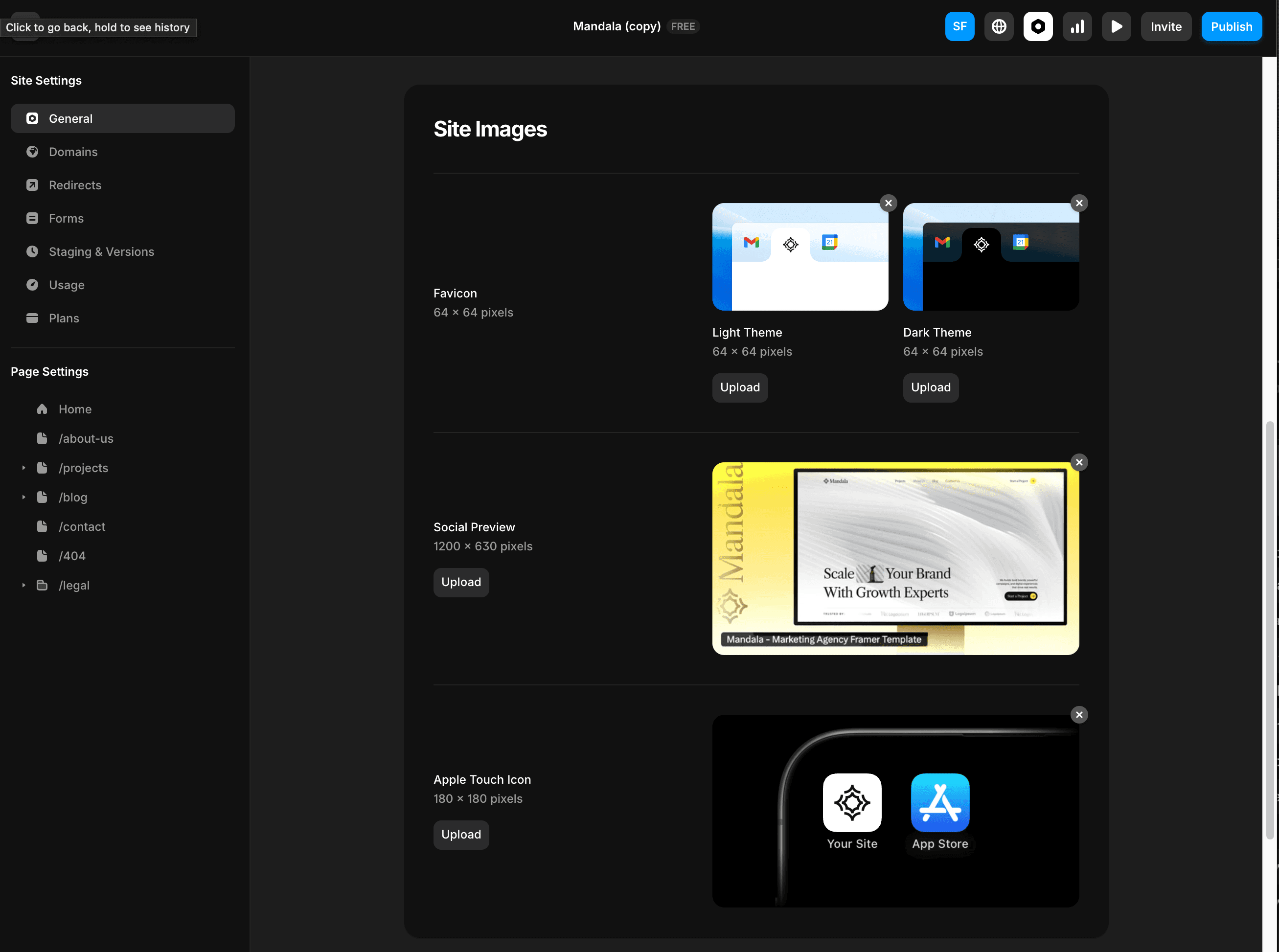
Framer has built-in SEO tools that cover most of what you need. You can easily set meta titles, descriptions, OG image, and generate a sitemap, all without installing anything extra. The sites are also optimized for speed right out of the box.
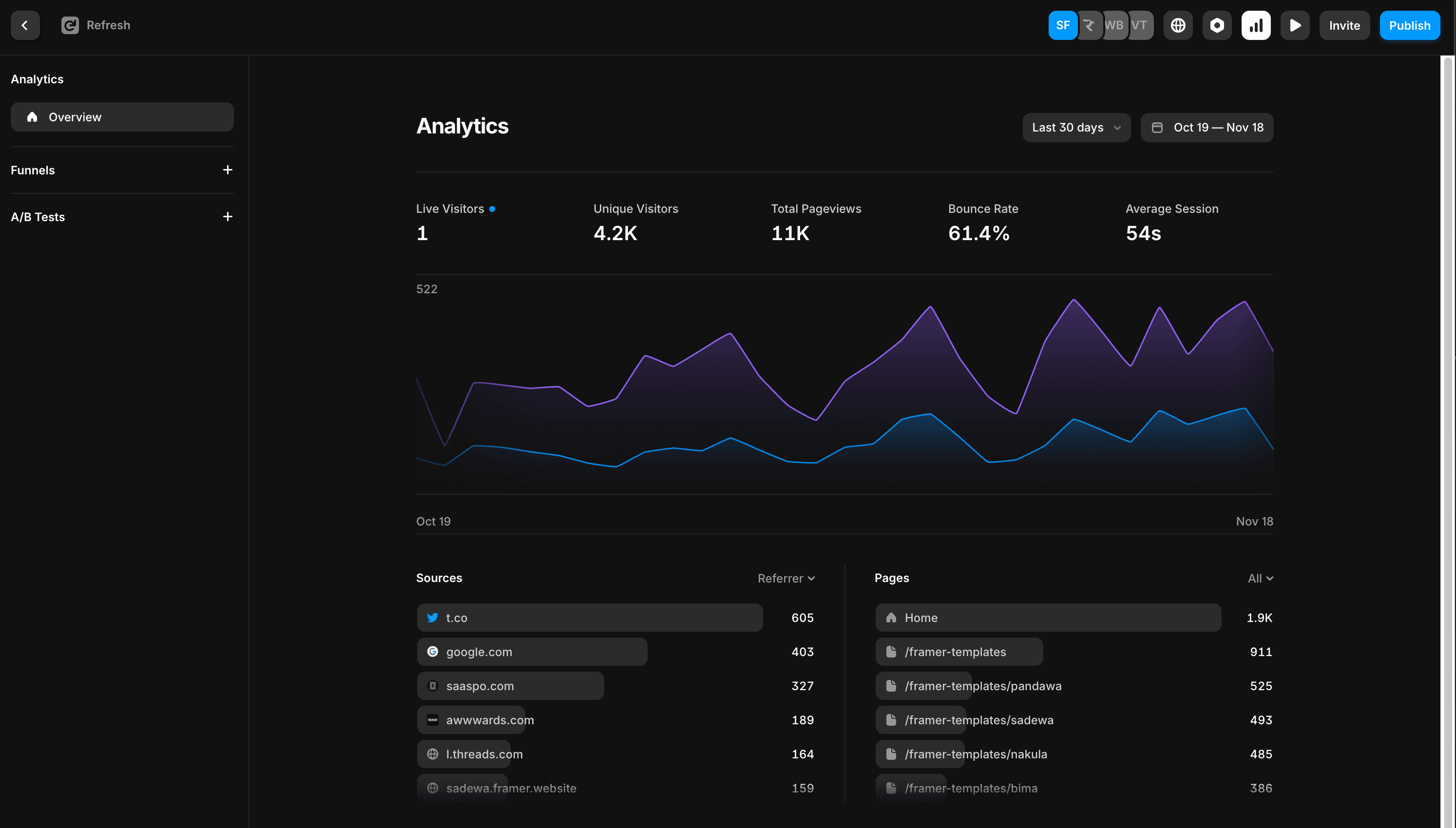
If you’re curious about Framer SEO, I’ve written a full article on Framer SEO tips for beginners.
Is Framer Better Than WordPress for SEO in 2026?
This is the question I get asked most. The honest answer: it depends on what level of SEO you need.
For most small to mid-size sites, landing pages, portfolios, SaaS, agency sites, Framer’s built-in SEO is more than enough. You get meta titles, descriptions, OG images, sitemap generation, and canonical URLs out of the box. No plugins needed, no conflicts, no maintenance overhead.
WordPress is better for SEO at scale. If you are running a large blog with 500+ posts, need advanced schema markup, or deep technical SEO customization, WordPress with RankMath gives you more control.
The irony: Framer sites often outrank WordPress sites in practice, not because Framer’s SEO tools are more powerful, but because Framer sites load faster. Framer’s built-in hosting consistently scores in the 90s on PageSpeed Insights with zero optimization needed. WordPress sites regularly score in the 40–70 range unless you invest in caching, a CDN, and image optimization plugins.
Verdict: For most designers, freelancers, and agencies building client sites, Framer wins on SEO in practice even if WordPress wins on SEO tooling on paper.
Designer Workflow: Drag vs Design
WordPress
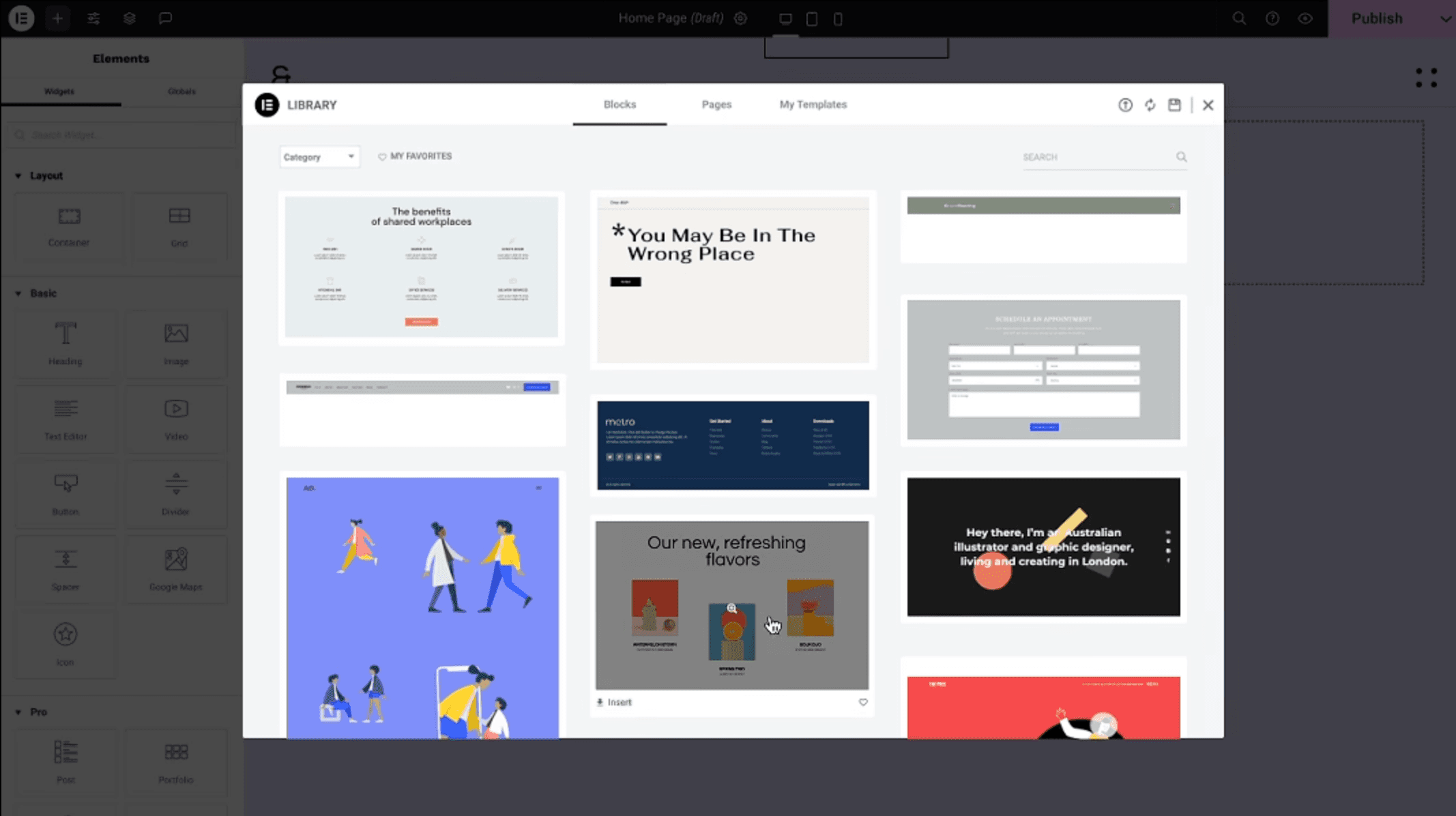
In WordPress, tools like Elementor or Breakdance make building layouts easier, but it still feels like stacking blocks, you’re working within a set structure, not designing freely. If you want complex layouts or smooth animations, you’ll probably need custom code or another plugin.
Framer
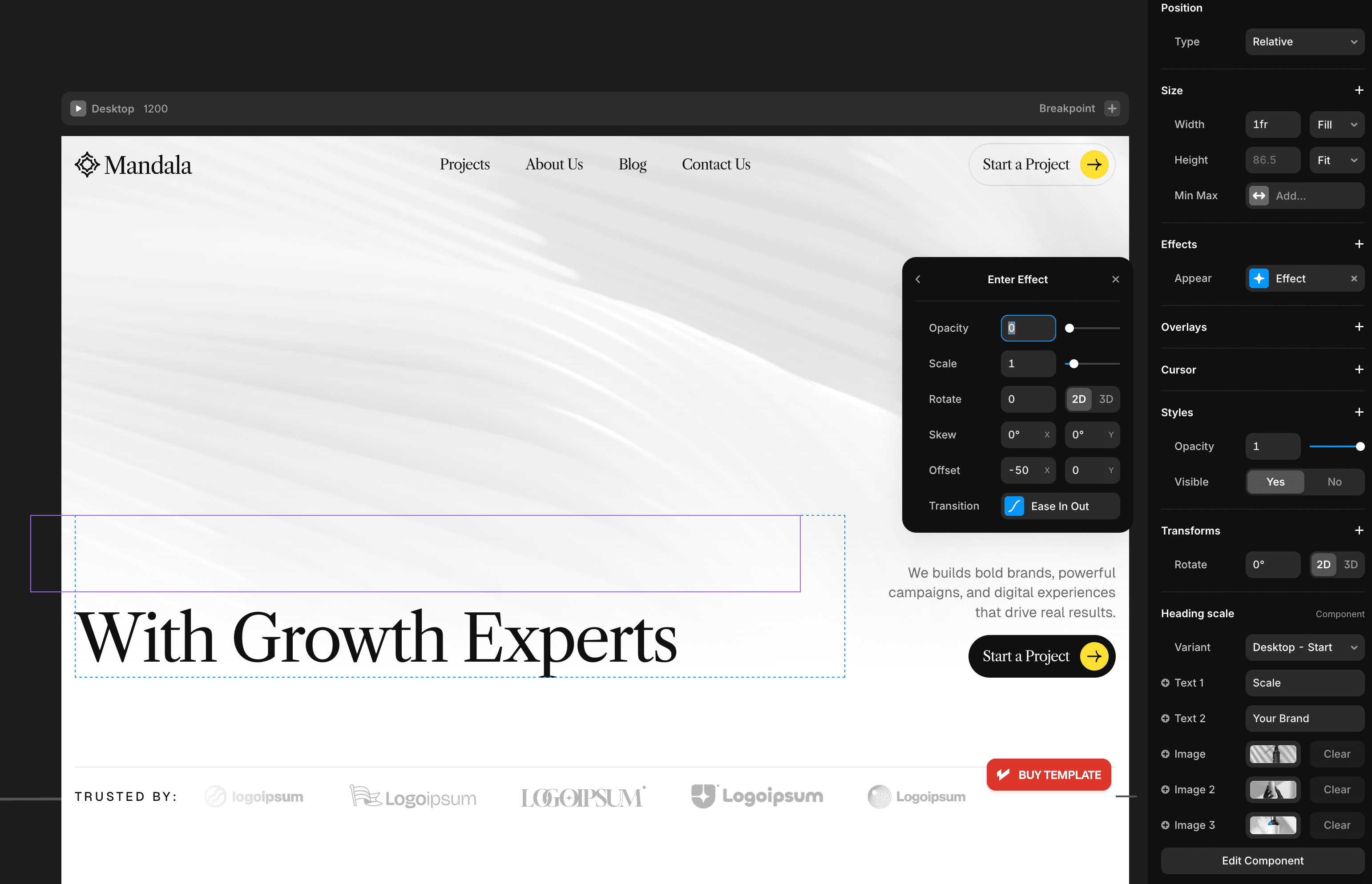
With Framer, the experience is totally different. It feels just like designing in Figma, except the result is a live, interactive website. You get full control over every detail, from layout to animation to responsiveness, all without writing a single line of code.
Usage Stats: WordPress vs Framer
Feature | WordPress | Framer |
|---|---|---|
Market Share | 43.2% of all websites | 208,147+ sites built |
Launched In | 2003 | Website builder since ~2022 |
Hosting | Self-managed or third-party | Built-in hosting |
SEO Tools | Needs plugins | Built-in SEO tools |
Speed & Performance | Depends on setup | Fast by default |
Design Flexibility | Good with builders + devs | Full visual freedom |
Custom Animations | Requires custom code or plugins | Built-in |
Code Export | Yes | No |
Best For | Blogs, news, dev-heavy projects | Designers, SaaS, landing pages |
AI Agent & MCP Support: Framer vs WordPress
AI agents are becoming part of how people build and manage websites, so it is worth comparing where each platform actually stands today, not just what has been announced.
Framer
Framer has its own AI agent built right into the editor, so you can prompt it to build sections, restyle a page, or wire up CMS content without leaving Framer.
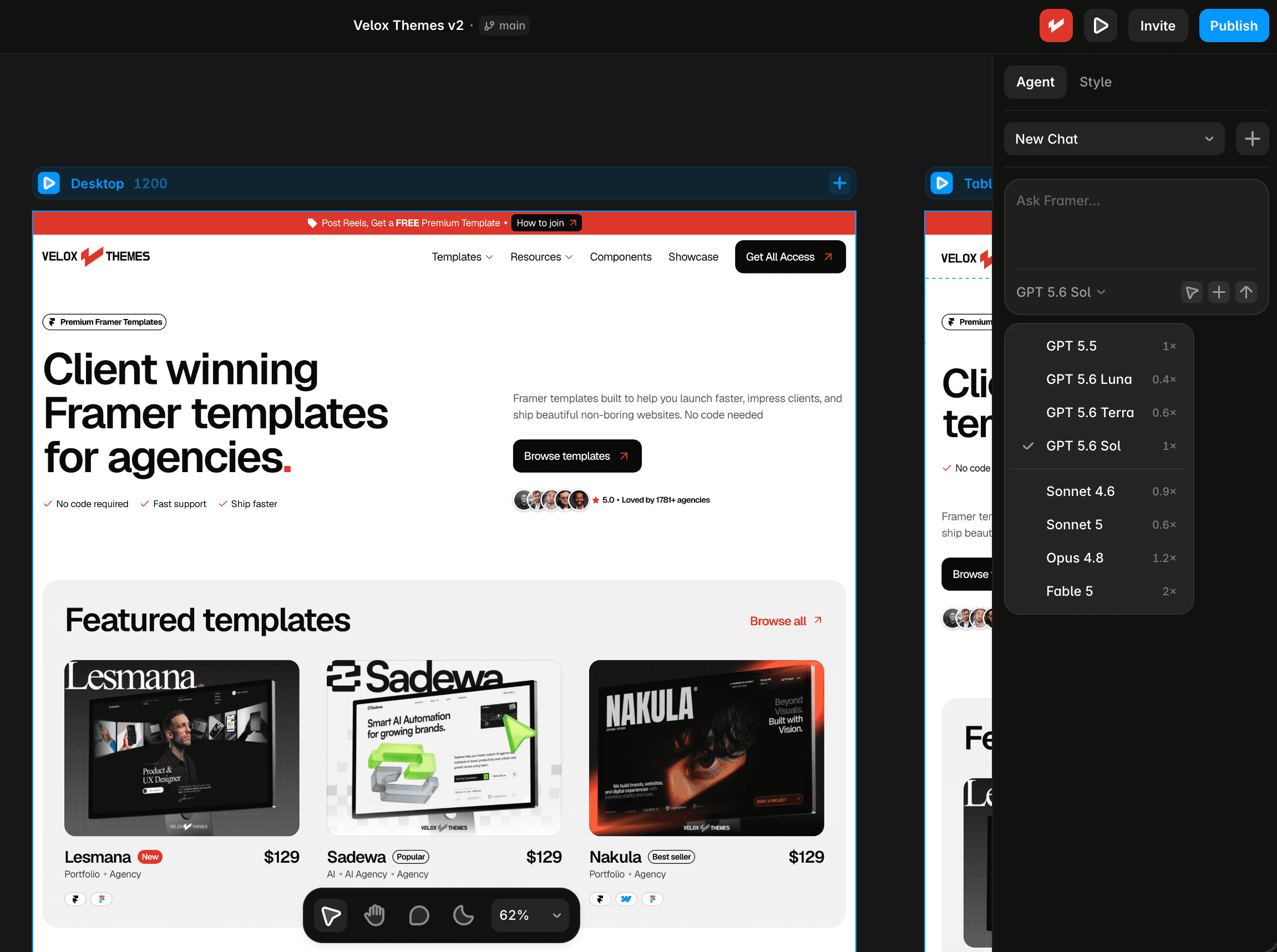
On top of that, it also connects through MCP to external agents like Claude Code and Cursor, so you can drive the same live site from outside the app if that fits your workflow better.
Either way, it can directly change your live site: adjust colors, fonts, and motion, restructure sections, build custom components, and manage your CMS collections, all while keeping every change editable on the canvas. You can read the full breakdown on Framer’s agent page.
WordPress
WordPress announced its own MCP Adapter in early 2026, but it is not the same kind of tool. It connects WordPress’s Abilities API to MCP, which lets developers expose their own plugin functions to AI assistants. Out of the box on a fresh WordPress install, it only ships three read-only tools: site info, user info, and environment info. Nothing that builds or edits a page.
There is also a separate MCP server on WordPress.org, but that one has nothing to do with building sites either. It only helps plugin developers validate readme files and submit plugins to the Plugin Directory.
WordPress can get closer to that same AI-agent experience, but it takes a third-party plugin.
WPVibe is one example: it installs as an MCP server plugin on your self-hosted WordPress site and connects Claude, ChatGPT, Gemini, or Cursor to it, letting the AI create and edit posts, manage media, edit themes, and even work with WooCommerce or Elementor through conversation. It is a real option if you want agent-style editing on WordPress, but it is an extra plugin you install and trust with site access, not something built into WordPress core the way it is with Framer.
WordPress 7.0 also shipped a Connectors API, which is worth mentioning here since it sounds related but is not. It only handles authenticating and storing API keys for AI providers like OpenAI, Anthropic, and Google in one place, so plugins can reuse that connection. It does not touch layout, colors, or components, and it cannot design a page. It is credential plumbing for AI providers, not a design tool.
So out of the box, Framer’s AI agent and WordPress’s built-in AI tools are not really comparable.
Framer’s agent is a finished, user-facing tool that can design, build custom components, and manage content for you directly, on the canvas.
WordPress’s own MCP work and its new Connectors API are both infrastructure, not design tools, they help developers wire up AI providers and abilities, but neither one can touch layout or components by itself. With a third-party plugin like WPVibe, WordPress can close some of that gap and support agent-style editing too, it just is not native the way it is in Framer.
Pros and Cons (From My Experience)
WordPress
Pros:
Free to get started
Massive ecosystem of themes and plugins
Great for blogs and content-heavy sites
Full backend control
Easily hand off to clients
Cons:
Needs maintenance
Plugins can break things when updated
Requires dev skills for advanced stuff
SEO and speed need extra optimization
Feels outdated for modern designers
Limited AI agent experience
Framer
Pros:
Fast to launch
Looks and feels like Figma
Hosting, SEO, and animation all in one place
AI Workshop helps build custom features
Built-in analytics for traffic and performance
More AI-ready than WordPress, thanks to the built-in agent
Cons:
More expensive monthly cost, see our Framer website cost guide for a full breakdown pricing
No code export
Less ideal for blog-heavy or CMS-heavy sites
Still growing in terms of third-party integrations
Framer vs WordPress Cost in 2026: Which Is Actually Cheaper?
This is where most comparisons get it wrong. WordPress is free to download, but the real cost of running a WordPress site is much higher than most people expect.
WordPress total cost (realistic annual estimate):
Hosting: $50–$200/year (Bluehost, SiteGround, or WP Engine)
Premium theme: $50–$100 one-time
Essential plugins: $100–$300/year (SEO, security, caching, forms, backups)
Developer time for setup and maintenance: $200–$500+/year
Total: $400–$1,100+/year for a properly running WordPress site
Framer total cost (annual estimate):
Framer Basic plan: $120/year ($10/month billed annually)
Domain name: $10–$20/year
Optional premium template: $49–$129 one-time
Total: $130–$270/year — everything included, no plugins needed
For a straightforward business or portfolio site, Framer is almost always cheaper than a properly maintained WordPress setup once you account for hosting, plugins, and the time cost of keeping everything updated and secure.
Should I Use Framer or WordPress as a Freelancer?
If you are a freelancer building client websites, this is the question that matters most and the answer has shifted significantly in 2026.
Use Framer when: Your client wants a modern, fast, visually polished site and does not need a large blog. Framer lets you ship in days rather than weeks. Client handoff is seamless, if you are a Framer Pro Expert, clients get free editor access to update their own content without needing to buy anything extra.
Use WordPress when: Your client already has an existing WordPress site you are maintaining, needs a large content CMS with hundreds of posts, or specifically requests WordPress by name.
The honest freelancer math: a Framer project that takes 3 days costs your client less and earns you more per hour than a WordPress project that takes 2 weeks. For most standard client briefs, Framer is the better business decision in 2026.
When to Choose Framer or WordPress
Use Framer if:
You’re a designer who wants full visual control
You want to launch a SaaS site, portfolio, or landing page fast
You don’t want to deal with hosting or plugin updates
You care about speed and want built-in animation and responsiveness
You’re okay being tied to the Framer ecosystem
If you are also weighing up Framer vs Webflow for your next project, we cover that comparison in detail too.
Use WordPress if:
You’re building a blog, magazine, or large content site
You want complete backend control
You need complex plugins or integrations (like WooCommerce, forums, etc)
You’re okay with a bit more maintenance
You’re on a tight budget
Which one should I pick?
If you asked me a few years ago, I’d say WordPress. But now? I use Framer for all of my projects.
It’s just easier for designers like me. The UI, the built-in features, and the speed of launching saves so much time. I can focus on what matters: design, content, and results.
Usually I start with Framer templates — especially our agency templates — since they save a ton of time without building from zero.
That said, WordPress is still a beast if you’re running a large blog or want full dev control. There’s no one-size-fits-all, but for modern web creators, Framer is catching up fast.
Meet the author
Widya Bayu W
Widya Bayu W is a Framer expert and Co-founder of Velox Themes, he has 7+ years experience in design industry and now helping designers and agencies build website faster.
Ship Fast With Quality Framer Templates
No code required
Fast support
Ship faster